What Are Shopify Google Ads and How Do They Work?
Shopify Google Ads refers to any Google Ads campaign, Search, Shopping, or Performance Max, that promotes products from a Shopify store through Google’s ad network. Shopify connects to Google through the free Google and YouTube channel app, which syncs your product catalogue to Google Merchant Center so your items can appear as Shopping ads, in the Shopping tab, and inside Performance Max asset groups.
Once connected, your store’s products become eligible to appear in three main places: standard text-based Search ads, image-led Shopping ads that show price and product photos directly in the results, and Performance Max campaigns that blend Search, Shopping, Display, YouTube, and Gmail placements into a single AI-managed campaign. <cite index=”10-1″>Shopify Google Ads in 2026 typically runs on three campaign types working together: Performance Max for broad AI-driven reach, Standard Shopping for margin-tier control on your best SKUs, and Brand Search to capture the demand your other channels create</cite>.
Is Google Ads Worth It for a Shopify Store?
Yes, for most Shopify stores Google Ads is worth the investment, because it targets people who are already searching with buying intent rather than scrolling passively. <cite index=”16-1″>The median ROAS for Google Ads ecommerce campaigns heading into 2026 is around $3.50 in revenue for every $1 spent</cite>, and <cite index=”17-1″>Google Ads leads other ecommerce ad platforms with a median of 4.5 to 1 for Search campaigns specifically, driven by the high purchase intent behind a direct search query</cite>.
That said, Google Ads is not automatically profitable. <cite index=”12-1″>Median cost per acquisition across industries rose 12.35% year on year to $23.74 in 2026, while overall ROAS declined by roughly 10%</cite>, which means store owners who launch ads without preparing their feed, landing pages, and tracking are more likely to overspend for weaker results than they would have seen a year or two ago. Shopify stores that pair paid traffic with a strong organic foundation, such as our Shopify SEO audit service, tend to see the best blended return, because organic rankings reduce reliance on paid clicks over time.
How Much Should You Budget for Shopify Google Ads?
Most new Shopify stores should start with a daily Google Ads budget of $10 to $50 while they gather enough data to judge performance properly. <cite index=”29-1″>Ecommerce businesses typically begin at $1,000 to $3,000 per month and scale from there based on ROAS, with a common target of 3x to 5x return</cite>, and for Shopify stores running Shopping campaigns specifically, a monthly range of $1,500 to $5,000 is a reasonable starting point before scaling into profitable campaigns.
A simple way to set your first budget:
- Calculate your average order value and gross margin per product.
- Work out the maximum cost per acquisition you can afford while staying profitable.
- Divide your test budget by your target cost per click to estimate how many clicks you can afford per day.
- Run that budget for at least two to three weeks before making major changes, since Smart Bidding needs data to learn.
- Scale spend only on campaigns that are already hitting your target ROAS.
<cite index=”20-1″>Accounts with fewer than 30 to 50 conversions per month rarely generate enough signal for AI bidding to optimise effectively</cite>, so smaller Shopify stores often get better early results from manual or Standard Shopping campaigns before switching on full Performance Max automation.
Standard Shopping vs Performance Max: Which Should You Choose?
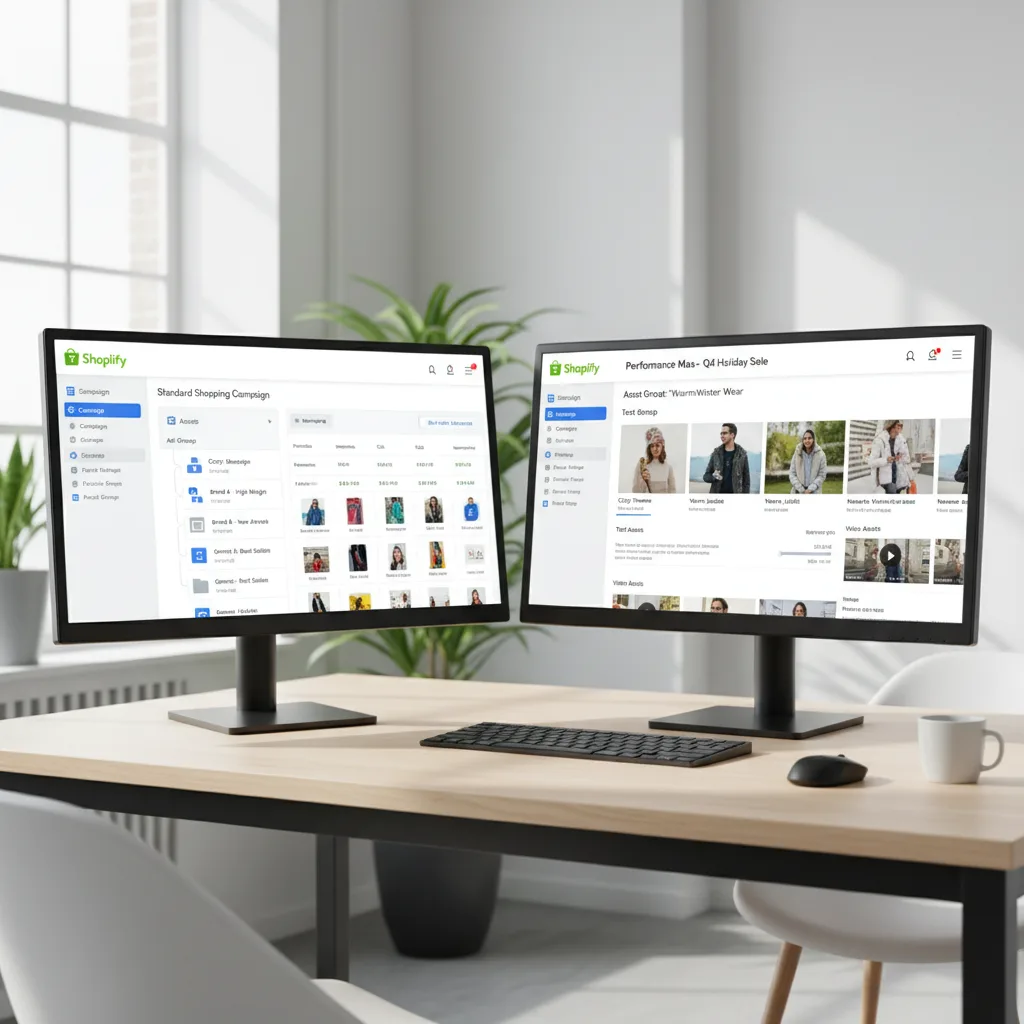
Standard Shopping gives you more control and visibility, while Performance Max gives you more automated reach across Google’s full inventory. <cite index=”8-1″>Standard Shopping is generally the better starting point for merchants who want to learn how their catalogue performs, while Performance Max suits mature stores with 50 or more conversions per month, where Google’s automation has enough data to scale efficiently</cite>.
| Factor | Standard Shopping | Performance Max |
|---|---|---|
| Best for | New accounts, learning phase | Established accounts, 30 to 50+ conversions monthly |
| Visibility into search terms | High | Low, automated placement |
| Control over bidding | Manual or portfolio bidding | Fully automated Smart Bidding |
| Placements | Shopping tab, Search results | Search, Shopping, Display, YouTube, Gmail |
| Typical result at scale | <cite index=”17-1″>5.0 to 1 ROAS</cite> | <cite index=”17-1″>10 to 15% higher ROAS than standalone Shopping once mature</cite> |
<cite index=”10-1″>The most effective Shopify Performance Max structure segments asset groups by margin tier or product category rather than running the whole catalogue in one group</cite>, so high-margin bestsellers are not left subsidising slower-moving stock.
How Do You Set Up Google Ads for a Shopify Store?
Setting up Shopify Google Ads correctly starts with your product feed, not your campaign settings. Follow these steps in order:
- Install the Google channel app from the Shopify App Store and connect it to your Google Merchant Center and Google Ads accounts.
- Clean up your product feed. <cite index=”10-1″>Product titles should front-load the searchable attributes such as product type, key descriptor, material, size, or colour, since a title like “Women’s Merino Wool Running Socks, Cushioned Ankle Length” consistently outperforms a bare “Running Socks” for Shopping intent matching</cite>.
- Add missing GTINs and attributes. <cite index=”5-1″>Missing GTINs limit Shopping impression share, and it remains the most common feed error found in new account audits</cite>.
- Set up conversion tracking through the Google and YouTube app or Google Tag Manager, and confirm purchases, add-to-cart, and checkout-started events are firing correctly before you spend budget.
- Enable Enhanced Conversions, which sends hashed first-party customer data at the point of purchase to improve Smart Bidding accuracy.
- Build your first Standard Shopping campaign, segmented by product category or margin tier, alongside a small Brand Search campaign to defend branded queries.
- Add negative keywords weekly as search term reports come in, to stop budget leaking onto irrelevant queries.
- Review the account weekly for the first month, then move to a monthly optimisation cycle once performance stabilises.
What Feed Mistakes Cost Shopify Stores the Most in Google Ads?
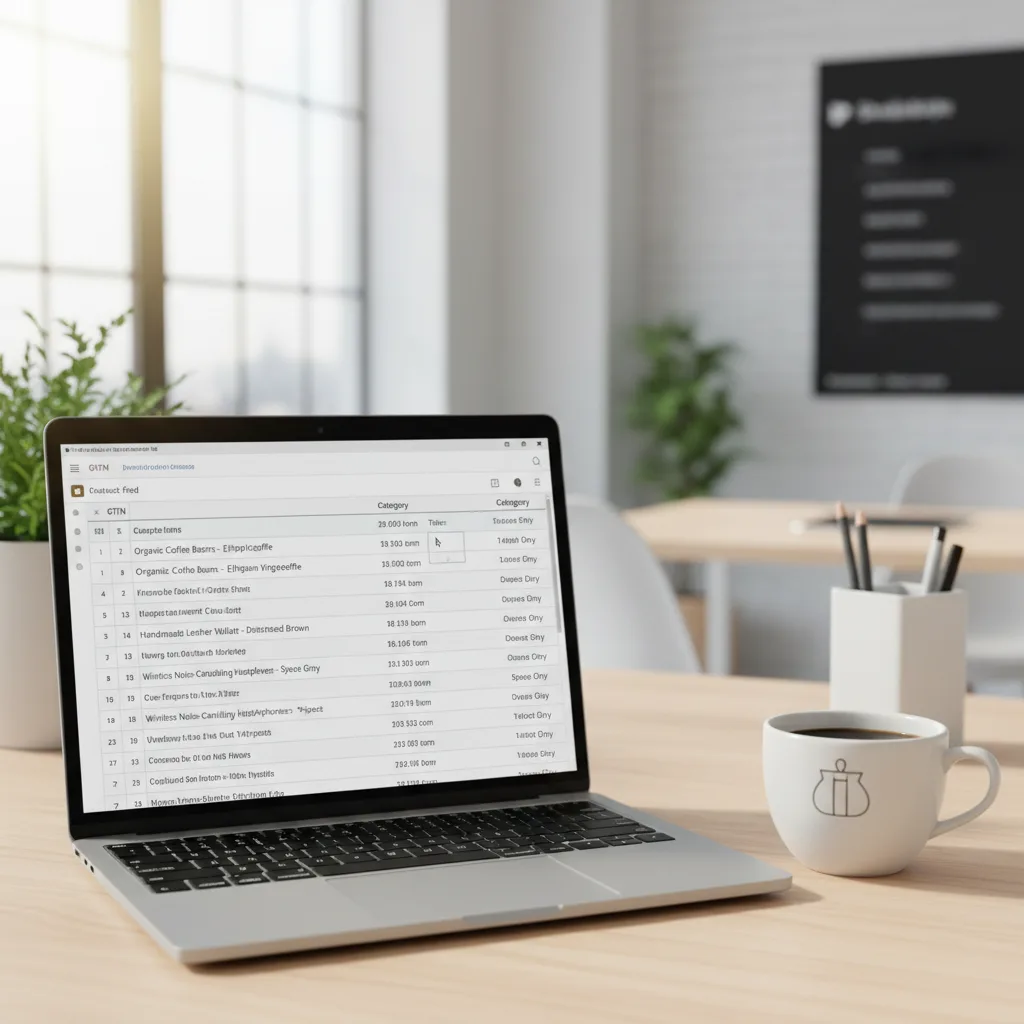
Poor feed quality is the single biggest reason Shopify Google Ads campaigns underperform, more than bidding strategy or ad copy. <cite index=”10-1″>Shopify’s default product feed passes Google’s basic validation but does not pass the completeness threshold that earns strong AI-driven product discovery, because product titles are written for storefront browsing rather than search-intent matching, and descriptions are written for conversion rather than attribute completeness</cite>.
Common feed issues we see during a Shopify technical audit include:
- Missing or incomplete GTINs, brand fields, and product category mappings
- Generic titles that do not match how buyers actually search
- Out-of-stock variants still eligible to show, wasting impression share
- No structured data connecting products to reviews or comparison data
<cite index=”10-1″>A product with a strong GTIN, descriptive title, benefit-led description, and accurate availability consistently earns more impressions at a lower cost per click than the same product with thin attributes</cite>. <cite index=”3-1″>Merchants should also confirm their feed app has migrated from the old Google Content API to the newer Merchant API, since the legacy API faces a hard cut-off in 2026</cite>.
What ROAS Should You Expect from Shopify Google Ads?
A healthy target for most Shopify stores is a ROAS between 400% and 600%, though this varies by margin and product category. <cite index=”14-1″>Ecommerce accounts often target 400% to 600% ROAS, above the general 200% to 400% average seen across all Google Ads industries</cite>, and <cite index=”19-1″>Shopping ads specifically convert at an average rate of 1.91%, with an average cost per acquisition around $45.27 for ecommerce advertisers</cite>.
Your own target ROAS should be based on your margin, not an industry average. A store with 25% product margins needs a materially higher ROAS to break even than a store with 60% margins, so use your actual cost of goods when setting Target ROAS bids in Google Ads rather than copying a number from a blog post.
Frequently Asked Questions About Shopify Google Ads
Q: How much should I spend on Google Ads for my Shopify store?
A: Most new Shopify stores start with $10 to $50 per day, or $1,000 to $3,000 per month, and scale spend once campaigns hit a consistent ROAS. Larger or more established stores often run $1,500 to $5,000 per month on Shopping and Performance Max combined.
Q: Are Google Ads worth it for a Shopify store?
A: Yes for most stores, because Google Ads targets people already searching with purchase intent, and ecommerce ROAS medians sit around $3.50 to $4.50 for every $1 spent. Results depend heavily on feed quality, landing page speed, and tracking accuracy.
Q: Should I use Standard Shopping or Performance Max first?
A: Start with Standard Shopping if you are new to Google Ads, since it gives you visibility into which search terms and products convert. Move to Performance Max once you have 30 to 50 conversions a month, giving Smart Bidding enough data to optimise properly.
Q: How long does it take for Shopify Google Ads to start working?
A: Expect two to four weeks before campaigns stabilise, since Smart Bidding needs conversion data to learn. Full optimisation, including negative keyword cleanup and feed refinement, typically takes two to three months.
Q: Do I need Google Merchant Center to run Google Ads on Shopify?
A: Yes, if you want to run Shopping or Performance Max campaigns, since Merchant Center is what feeds your product catalogue into those ad formats. Search-only campaigns do not require Merchant Center, but most Shopify stores get their strongest results from Shopping-based formats.
Ready to scale your Shopify store?
Book a free 30-minute growth call with our Shopify specialists. We’ll audit your store and share an actionable roadmap — no obligations.

