What Is Shopify Smart Bidding?
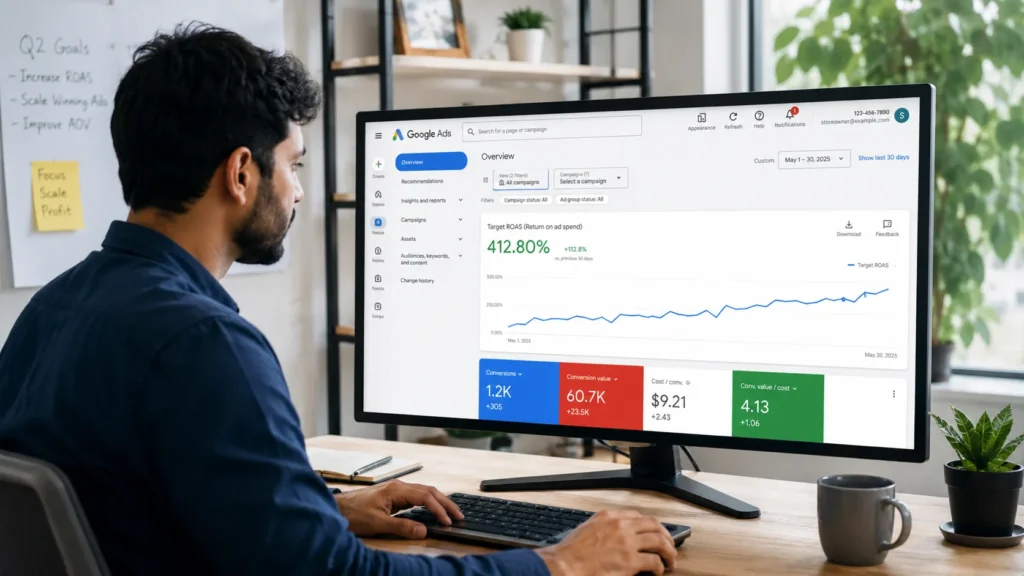
Shopify smart bidding refers to Google Ads’ automated bid strategies (Maximize Conversions, Maximize Conversion Value, Target CPA, and Target ROAS) applied to a Shopify store’s Shopping, Search, or Performance Max campaigns. Google’s machine learning models set a bid for every auction in real time, based on signals like device, location, time of day, and predicted conversion value.
For a Shopify store, this means the algorithm is only as good as the data behind it: your Merchant Center product feed, your Shopify conversion tracking setup, and the conversion values you send back to Google. Get those three things right and smart bidding can steadily lower your cost per acquisition. Get them wrong and it will happily spend your budget chasing the wrong signal.
How Does Smart Bidding Actually Choose a Bid?
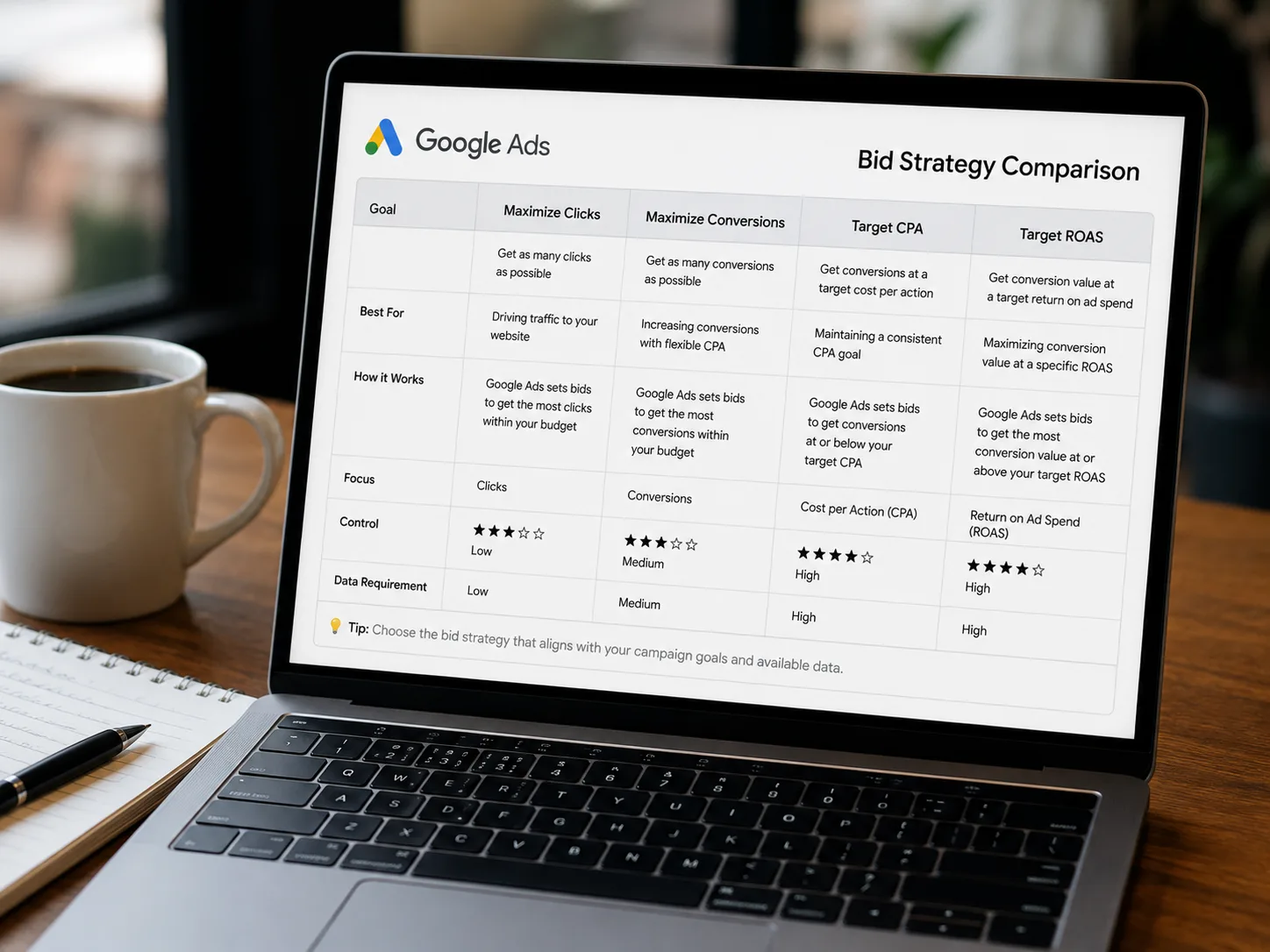
Smart bidding predicts the likelihood and value of a conversion for each individual auction, then sets a bid designed to hit your chosen target across the whole campaign, not on every single click. That is why a single expensive click is not automatically a mistake; the algorithm may be betting on a higher-value conversion elsewhere in the auction pool.
This is also why campaigns need a minimum amount of conversion data before switching into a target-based strategy. Without enough history, the model is guessing, and guessing usually means an inflated CPA while it learns.
Which Google Ads Bidding Strategy Has the Lowest CPA for a New Shopify Store?
For a brand-new or low-traffic Shopify store, Maximize Conversions (or Maximize Conversion Value, for Shopping and PMax) typically produces the lowest CPA in the first weeks of a campaign. It has no target to hit, so the algorithm spends the full daily budget chasing volume rather than restricting itself to an unproven ROAS or CPA figure.
Store owners with tight daily budgets, in the £5 to £10 (or roughly $7 to $13) a day range, report on Shopify’s own community forums that switching too early into Target CPA or Target ROAS on a small budget starves the campaign of the data it needs and produces unpredictable, often worse, results than simply letting Maximize Conversions run first.
Recommended Bidding Sequence by Store Stage
| Store Stage | Recommended Strategy | Typical Monthly Conversions | Why |
|---|---|---|---|
| Pre-launch to first sales | Maximize Conversions | 0 to 20 | No target to restrict spend, fastest way to gather data |
| Early traction | Maximize Conversion Value | 20 to 30 | Prioritises higher-value orders without a rigid ROAS ceiling |
| Established | Target ROAS (set near your recent 28-day average) | 30 to 50+ | Enough history for the algorithm to bid accurately toward a real target |
| Scaling | Performance Max with tROAS or margin-based value rules | 50+ | Full-network reach, but only reliable with a clean product feed |
Does Target ROAS Actually Lower Your CPA?
Target ROAS lowers CPA only once your campaign has enough conversion volume and your target is set close to reality. Industry guidance consistently points to roughly 30 to 50 conversions per campaign as the minimum before a target-based strategy becomes dependable rather than erratic.
The most common mistake Shopify store owners make is setting an aspirational Target ROAS from day one. If a campaign has historically produced a 250% ROAS, setting a fresh target of 500% will not create that performance; it typically starves the campaign of eligible auctions and pushes CPA up, not down. The more reliable approach is to set your initial target at, or just above, your recent 28-day average, then raise it in small 10 to 15% steps once performance holds steady for a week or two.
Is Performance Max Better Than Standard Shopping for Lowering CPA?
Performance Max can achieve a lower CPA than Standard Shopping because it bids across Search, Shopping, Display, YouTube, and Gmail simultaneously, giving the algorithm far more inventory to find low-cost conversions in. However, several Shopify merchants report the opposite in practice: CPA spikes of two to three times their previous Smart Shopping cost per conversion after migrating to PMax, usually during the multi-week relearning period Google itself acknowledges can take up to six weeks.
Example: A Shopify store running Smart Shopping at a steady $13 cost per conversion for eight months was auto-migrated to Performance Max. Two weeks in, CPA had risen to $41. This is a common pattern, not a rare glitch, and it is why we recommend budgeting for a learning window rather than judging a PMax campaign on its first fortnight.
If your budget cannot absorb a multi-week relearning dip, an Advanced Standard Shopping campaign, with more manual control over search terms and product groups, is often the safer choice for lowering CPA on a limited budget.
What Is PMax for Shopify Really Best For?
Performance Max Shopify campaigns work best for stores that already have:
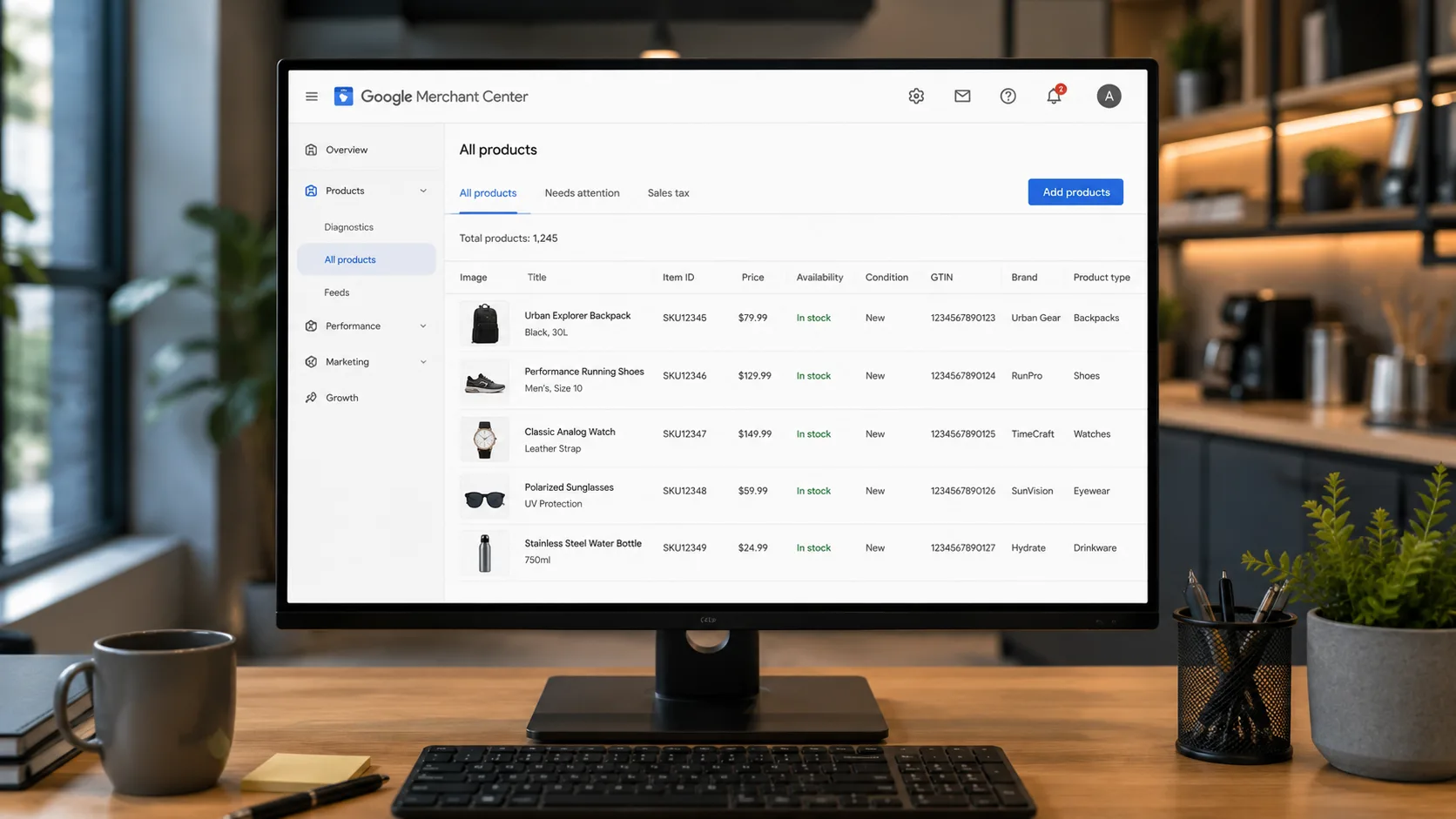
- A clean, complete Google Merchant Center feed with accurate titles, GTINs, and images
- At least 20, and ideally 50 or more, weekly conversion events for the algorithm to learn from
- Conversion values based on net profit or margin, not gross revenue
- A daily budget that can sustain 4 to 6 weeks of relative underperformance while the algorithm relearns
Without these four elements in place, Performance Max ecommerce campaigns tend to produce a higher, noisier CPA than a simpler Standard Shopping or Maximize Conversions setup, which is why we run a full account and feed audit before recommending any Shopify store move to PMax.
Why Does Target ROAS Sometimes Increase CPA Instead of Lowering It?
Target ROAS increases CPA when the value being fed to Google is gross revenue rather than actual profit. Google’s bidding algorithms optimise toward whatever number you send them; if that number is revenue with no margin attached, the algorithm will happily chase high-volume, low-margin products because they hit the ROAS target easily, while suppressing higher-margin products that need a more aggressive bid to win.
Example: A Shopify brand running a high-margin category under a static Target ROAS plateaued on revenue. Switching to Maximize Conversion Value with a margin-based floor, instead of a rigid ROAS ceiling, gave the algorithm room to find volume while still respecting the store’s real break-even point, and total gross profit improved even though blended ROAS looked slightly lower on paper.
Shopify Smart Bidding: At a Glance
| Factor | Details |
|---|---|
| Agency Founded | 2009 |
| Years of Experience | 15+ |
| Specialisation | Shopify SEO and Google Ads exclusively |
| Markets Served | India, USA, UK, Australia, and worldwide |
| Core Services | Shopify SEO, Technical Audit, Google Ads Bidding Strategy, CRO |
| Contact | 9888923755 / info@rankmyshopify.com |
How Long Should You Wait Before Judging a New Bidding Strategy?
Give any new smart bidding strategy at least 2 to 3 weeks of stable daily spend before making changes, and give Performance Max specifically 4 to 6 weeks after any target adjustment before judging results. Changing targets or strategies too frequently is one of the fastest ways to keep a campaign permanently stuck in its learning phase, which keeps CPA artificially high.
As of 2026, Google is also tightening how closely Target CPA and Target ROAS strategies hold to the targets advertisers set, with a Bid Target Adjustment Tool introduced in July 2026 to help smooth the transition. Shopify store owners currently running target-based campaigns should review their targets proactively rather than waiting for performance to shift unexpectedly.
Steps to Set Up Shopify Smart Bidding for the Lowest Possible CPA
- Audit your Merchant Center feed. Fix missing GTINs, weak titles, and incomplete shipping or returns data before touching bid strategy.
- Confirm conversion tracking sends accurate values. Pass net profit or margin-adjusted values, not raw revenue, wherever possible.
- Start with Maximize Conversions or Maximize Conversion Value. Let the algorithm gather at least 20 to 30 conversions.
- Switch to Target CPA or Target ROAS once you cross 30 to 50 monthly conversions. Set the initial target at your recent 28-day average.
- Raise targets gradually. Move in 10 to 15% increments, and hold each change for at least 1 to 2 weeks before adjusting again.
- Move to Performance Max only when your feed, budget, and conversion volume can support a 4 to 6 week relearning window.
- Review targets whenever Google announces bidding changes, such as the 2026 updates to how Target CPA and Target ROAS are labelled and applied.
Our team at RankMyShopify builds this exact sequence into every Shopify Google Ads engagement, so your store never jumps into a target-based strategy before it has the data to support one.
Ready to scale your Shopify store?
Book a free 30-minute growth call with our Shopify specialists. We’ll audit your store and share an actionable roadmap — no obligations.

