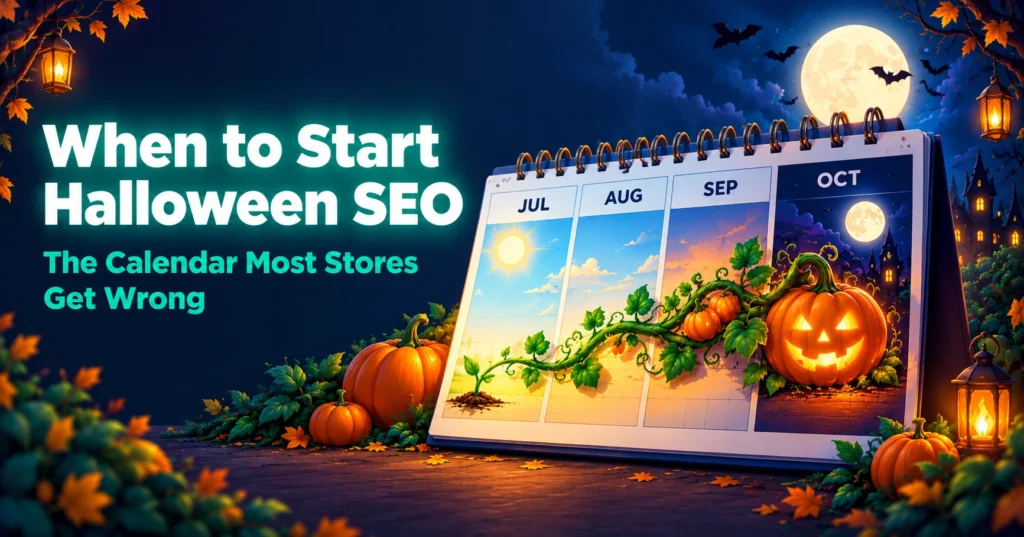
Pumpkin growing across the months on a calendar, showing when to start Halloween SEO
Most store owners think about Halloween in October. By then, the best chance to rank has already passed. Good Shopify Halloween SEO starts months earlier, because Google needs time to find, crawl, and trust your pages. This guide gives you a simple month-by-month calendar so you start at the right time next year, and a short list of quick wins if you are reading this in the final days.
Why do most stores start Shopify Halloween SEO too late?
Halloween feels like an October event, so stores plan for it in October. Search does not work on that timeline. A new or updated page has to be found, crawled, indexed, and trusted before it can rank, and Google says crawling can take anywhere from a few days to a few weeks. Ranking takes longer still.
That is the calendar mistake. Stores start work when shoppers start buying, but shoppers begin searching well before that. The stores that show up in October are usually the ones that began in summer.
When should Shopify Halloween SEO actually begin?

A practical rule of thumb for Shopify Halloween SEO is about 12 to 14 weeks before Halloween, which means July. That gives you time to plan, build, and let Google find your pages. Treat it as a minimum, because competition, store size, and your existing authority all change how long ranking takes.
The calendar at a glance:
- July (12 to 14 weeks out): Plan and research
- Mid-August (10 to 12 weeks): Build or refresh your pages
- September (6 to 8 weeks): Strengthen and promote them
- Early October (3 to 4 weeks): Launch campaigns and check stock
- Halloween week: Monitor and fix
- November: Review, and keep the page live
Winding path from a sunny August field to a dark October night, showing the Halloween SEO timeline
Which Halloween searches should a Shopify store target?
Good Shopify Halloween SEO targets specific searches that match what you sell, not just the broad term “Halloween costumes”. Broad searches are crowded, and specific ones are easier to win and closer to a purchase.
Ideas to start from:
- Costumes: by age, theme, and style, such as “toddler dinosaur costume”
- Decor: indoor decor, outdoor lights, and porch displays
- Party supplies: tableware, treat bags, and games
- Treats and gifts: sweets, baskets, and trick-or-treat items
- Ideas and how-tos: easy costume ideas and party planning guides
Use last year’s Search Console queries to see which terms already brought visitors, then build on those.
What should you do in July, 12 to 14 weeks before?
Use July to plan your Shopify Halloween SEO, because the work that happens now decides everything after it. Most of it needs no new pages.
- Review last year’s Search Console queries, clicks, and sales
- Choose one main Halloween collection URL, and keep it the same every year
- Pick three to five supporting pages, such as costumes, decor, and party supplies
- Check your site speed and fix heavy images and unused apps, with help from Shopify speed optimisation if needed
- List the products you will stock and when they arrive
- Set up analytics and reporting so you can compare this year with last
What should you do in August and September?
Build, refresh, and strengthen your pages while Google has time to find them. These two months are where Shopify Halloween SEO does most of its work.
- Publish or refresh your Halloween collection page at the same URL as before
- Write unique product descriptions with sizes, materials, and ages
- Publish two or three guides through content marketing, such as party planning or costume idea posts
- Link to your Halloween page from the homepage, the menu, and relevant blog posts
- Add the page to your sitemap and request indexing in Search Console
- Earn links from relevant blogs and creators with steady link building
Organised Halloween shelf of costumes, decor and treats, showing a well-built seasonal collection page
What should you do in early October?
Turn on the channels that bring fast traffic, because Shopify Halloween SEO is now building in the background. This is also the time to protect the sales those channels bring.
- Run Halloween campaigns with Google Ads and social ads
- Send email and SMS reminders through Email and SMS flows
- Check stock levels, delivery times, and shipping cut-off dates
- Test checkout on mobile, since many Halloween shoppers buy on phones
- Test discount codes before you promote them
- Make sure product pages follow good conversion rate optimisation basics, with clear delivery and returns information
What should you do in Halloween week?
Monitor and fix, and avoid big changes. Your Shopify Halloween SEO pages have done their ranking work, and the priority now is a store that stays fast and accurate.
- Watch page speed, stock, and checkout
- Mark sold-out items clearly and hide them from promotions
- Keep delivery date messages honest
- Answer customer questions quickly
- Save screenshots and numbers for your review
What should you do after Halloween?

Keep the page. This is the most common Shopify Halloween SEO mistake, because stores delete or hide their Halloween page on November 1 and start again next year with a new URL. A new URL has to earn its authority from scratch.
Instead:
- Keep the same URL live every year, and put the year in the title and copy, not the address
- Do not add a noindex tag to the page
- Update the page to say the sale has ended, and point visitors to related collections
- Mark seasonal products as sold out or coming back next year
- Record what worked in Search Console before the data fades
- Schedule next year’s July review now
Glowing jack-o’-lantern on a shelf next to a calendar for next year, showing a seasonal page kept for the following season
How do you measure whether Shopify Halloween SEO worked?
Judge Shopify Halloween SEO by comparing this season with the last one, not with a normal month. Seasonal pages should be judged on a year-over-year basis.
Useful numbers:
- Search Console impressions and clicks for your Halloween pages
- The queries that brought the most visitors
- Organic revenue and conversion rate during the season
- Average order value and return rate
- Page speed during peak days
Each year the same page should earn a little more. If it does not, use the data to find which month your plan slipped.
Ready to plan next year’s seasonal SEO?
If you want Shopify Halloween SEO built around your catalogue and your key dates, our team can start with a free AI SEO audit of your store and show what to fix first.
About RankMyShopify
We are a Shopify-exclusive SEO and digital marketing agency, founded in 2009, with offices in Punjab, India and the USA. We work with ecommerce brands across India, the USA, the UK, Australia, and Canada on Shopify SEO, Google Ads, Meta Ads, conversion rate optimisation, content marketing, and AI search optimisation.
Ready to scale your Shopify store?
Book a free 30-minute growth call with our Shopify specialists. We’ll audit your store and share an actionable roadmap — no obligations.

Mandeep is a content marketing expert at RankMyShopify. He helps Shopify brands grow organic traffic with search-focused blog content, product and collection page copy, and content built to get recommended by AI search tools like ChatGPT and Google AI Overviews.
