
Most Shopify stores do not need more pages, they need better ones. A few small fixes on your collection and product pages can make it easier for Google to understand what you sell and easier for shoppers to buy it. That is the idea behind Shopify product and collection page SEO: fix the pages that already exist, in the order that matters most.
This guide walks through 12 fixes, each with a before and after example. The examples are illustrations for a fashion and home store, not real client data. It is written for store owners in India, the USA, the UK, Australia and Canada.
What Is Shopify Product and Collection Page SEO?
It is the work of making your collection pages and product pages clear, useful and easy for search engines to crawl, so they rank for what shoppers search and convert the visitors they get. It covers titles, copy, images, structure, internal links, schema and speed.
Collection pages usually target broad searches such as “linen shirts for men”, while product pages target a specific item. Both need to work together.
Which Pages Should You Fix First?
For Shopify product and collection page SEO, fix your collection pages first, then your best-selling products. Collections match broader searches and pass visitors to many products, so one improvement helps many sales. Start with the five collections that bring in the most revenue, then move down the list.
For example, imagine a home decor store in the UK with 600 products and 40 collections. Rather than rewriting every product, the owner improves the five biggest collections and their top 20 products first. That small batch usually covers most of the revenue, and it gives the team a tested method to repeat on the rest.
Collection Page Fixes
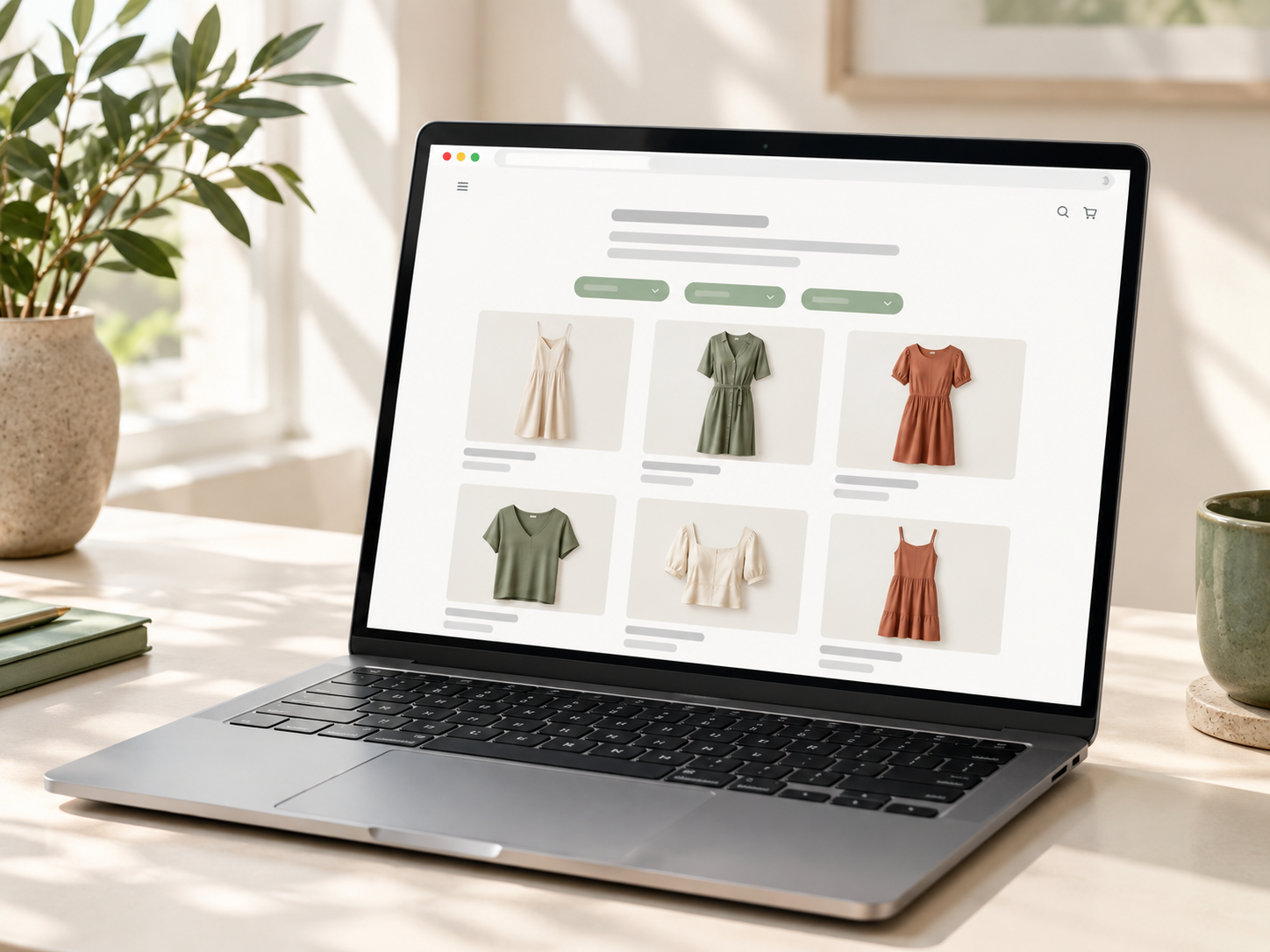
Fix 1: Add a useful intro above the product grid
A bare grid of products gives Google very little to read. Add a short intro written for shoppers.
- Before: Page title “Summer Dresses”, then 24 product tiles and nothing else.
- After: A 100 to 200 word intro covering fabrics, occasions, sizing help and links to related collections, with the products directly below.
Fix 2: Rewrite the title tag and meta description
Titles that only repeat the collection name waste your best signal.
- Before: “Dresses | Store Name”
- After: “Women’s Summer Dresses: Linen and Cotton | Store Name”, with a meta description of about 150 to 160 characters that mentions delivery or returns and invites the click.
Fix 3: Link to the clean product URL
A product can load at /products/blue-dress and at /collections/dresses/products/blue-dress. Shopify normally points the canonical tag to the clean version, but your own links should do the same.
- Before: Collection tiles link to /collections/dresses/products/blue-dress.
- After: Tiles link to /products/blue-dress. This usually needs a small theme edit, so ask your developer.
Fix 4: Control tag and filter pages
Tags and filters can create thousands of thin, near-duplicate URLs.
- Before: Pages such as /collections/dresses/red+cotton+short are all open to indexing.
- After: Only the pages that match real searches are indexed. Review these in Google Search Console and Screaming Frog, and test any robots.txt.liquid or noindex change before you publish it.
Fix 5: Add links to related collections
Shoppers and Google both need next steps.
- Before: The page is a dead end.
- After: A “Shop by occasion” or “Shop by fabric” block links to related collections, such as wedding guest dresses or linen dresses.
Our guide to Shopify collection page SEO for large catalogs goes deeper on scaling this.
Product Page Fixes
Fix 6: Write a clear product title
Codes and internal names do not help shoppers or search.
- Before: “Maxi Dress 04”
- After: “Linen Wrap Maxi Dress in Sage Green”
Fix 7: Replace thin or copied descriptions
Supplier text is used by many stores, and a one-line description says almost nothing.
- Before: “Effortless beauty for every occasion.”
- After: Fabric, length, fit, sizing guidance, care instructions and who it suits, written in your own words and in short paragraphs or bullets.
Fix 8: Use one product page for all variants
Duplicate pages for each colour or size split your signals.
- Before: Three pages for the same dress, one ending in “-copy”.
- After: One product with colour and size options, and redirects from the duplicates to the main page.
Fix 9: Fix image names and alt text
Images help rankings and accessibility.
- Before: File name IMG_0432.jpg and alt text “Product”.
- After: File name sage-green-linen-wrap-maxi-dress.jpg and alt text describing what the image shows, such as “Sage green linen wrap maxi dress, front view”.
Fix 10: Add reviews and valid Product schema
Review stars and structured data can help your listing stand out.
- Before: No ratings, and schema missing price or availability.
- After: Real customer reviews and valid Product schema with price, stock status and rating, tested in Google’s Rich Results Test. Only mark up reviews that are genuine.
Fix 11: Show shipping, returns and sizing near the buy button
Shoppers decide quickly, and hidden policies lose sales.
- Before: Delivery information sits only in the footer, and two pages state different free shipping thresholds.
- After: A short delivery estimate, returns line and size guide link sit under the buy button, and every page uses the same threshold.
Fix 12: Speed up the page
Slow pages hurt both rankings and orders.
- Before: A 3 MB hero image, five apps loading scripts and a lazy-loaded main image.
- After: Compressed images, unused apps removed, and the main image loading first. Check results in PageSpeed Insights.
For hands-on help, see our Shopify speed optimization service, and our Shopify product page SEO page for what a strong product page includes.
How Do Collection and Product Pages Work Together?
Collection pages attract the broader searches, and product pages turn that interest into an order, so each one needs to send shoppers to the other. Strong Shopify product and collection page SEO treats the two as one system, not as separate jobs.
- Collections link to products using clean /products/ URLs
- Product pages link back to their main collection, for example through breadcrumbs
- Related products and “complete the look” blocks keep shoppers moving
- Guides and blog posts link to both, using descriptive anchor text
When the links are clear, Google can see which pages matter most, and shoppers always have a next step.
How Do These Fixes Help With AI Search and Conversion?
Clear product details help both people and AI tools, because both look for specific, trustworthy answers. Many of the fixes above, such as detailed descriptions, valid schema, visible policies and consistent prices, also improve how Google AI Overviews, ChatGPT and Perplexity understand and describe your products. For a full walkthrough, see our guide to Shopify AI search optimisation.
They help conversion too. A shopper who can see the fabric, the fit, the delivery date and the returns policy has fewer reasons to leave. Pair this work with our Shopify CRO service if you want to test layout and checkout changes as well.
What Is the 12-Fix Checklist?
Use this list to review any page in a few minutes:
- Collection intro added
- Title tag and meta description rewritten
- Links point to clean product URLs
- Tag and filter pages reviewed
- Related collections linked
- Clear product title
- Unique, detailed description
- One page for all variants
- Image names and alt text fixed
- Reviews and valid Product schema
- Shipping, returns and sizing near the buy button
- Images compressed and apps reviewed
How Do You Check That the Fixes Worked?
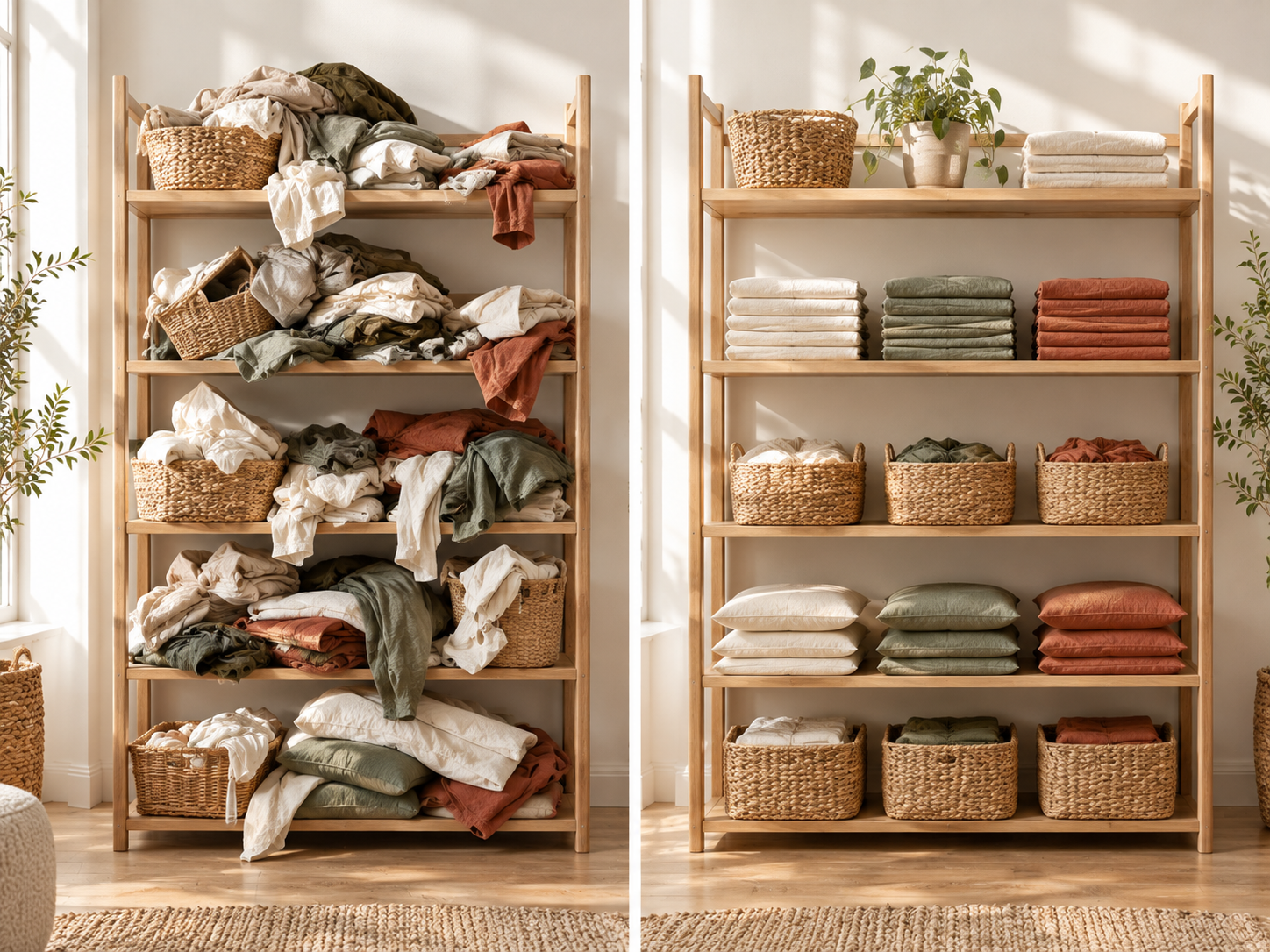
Record a baseline before you change anything, so you can judge your Shopify product and collection page SEO properly, then compare 14 and 28 days later. Keep a simple change log with the date, page, what changed and why.
- Search Console: clicks, impressions and average position for each page
- Pages report: whether the updated pages are indexed
- GA4: orders and key events from those pages
- PageSpeed Insights: Core Web Vitals before and after
SEO changes usually take around three to six months to show clear movement. This is a typical range, not a promise, because results depend on your competition and how consistently you improve the store.
If you are building content to support these pages, our Shopify content marketing plan shows how to link guides to your collections.
Do You Need Help With Product and Collection Pages?
You can do most of the copy, title and image fixes yourself, while the technical side of Shopify product and collection page SEO, such as theme, schema and indexing fixes, often needs a specialist. RankMyShopify has worked only with Shopify since 2009, with offices in Punjab, India and the USA, and our team reviews collections, products and speed together. You can also see how this fits with our Shopify SEO and Shopify CRO services.
Ready to scale your Shopify store?
Book a free 30-minute growth call with our Shopify specialists. We’ll audit your store and share an actionable roadmap — no obligations.

