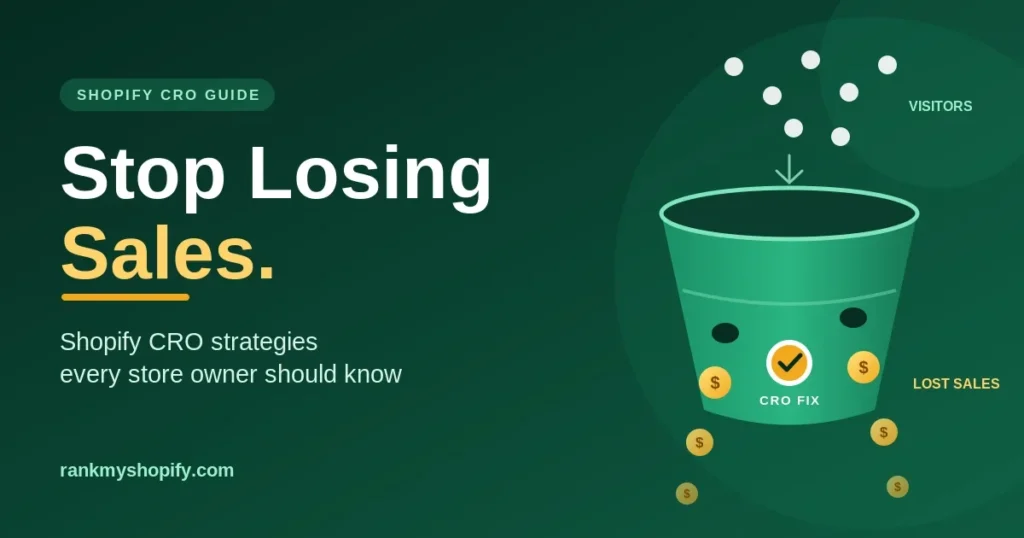
Most Shopify stores are not short on traffic. They are short on a system that turns that traffic into orders. You may be paying for ads, publishing content and ranking for good keywords, yet the orders do not follow. Every visitor who leaves without buying is a sale you already paid to earn and then lost.
That is the problem Shopify CRO (conversion rate optimisation) solves. Instead of spending more to bring in extra visitors, you fix what happens after they arrive. In this guide, we walk through the strategies every store owner should know, from product pages to checkout, and show you where most stores quietly lose sales.
What Is Shopify CRO and Why Does It Matter?
Conversion rate optimisation is the practice of increasing the share of visitors who complete a goal on your store, usually a purchase. If 100 people visit and 2 buy, your conversion rate is 2%. CRO is the work of moving that number up without simply buying more traffic.
This matters for three reasons:
- It lowers your cost per sale. The same ad spend produces more orders when more visitors convert.
- It makes every channel work harder. Better conversion lifts Shopify SEO, paid ads and email at the same time.
- It compounds. A fix to your product page template helps every product that uses it.
Our Shopify CRO service is built on exactly this idea: audits, testing and checkout fixes that turn more of your existing traffic into revenue, with no extra ad spend required.
Step 1: Find Where You Are Actually Losing Sales
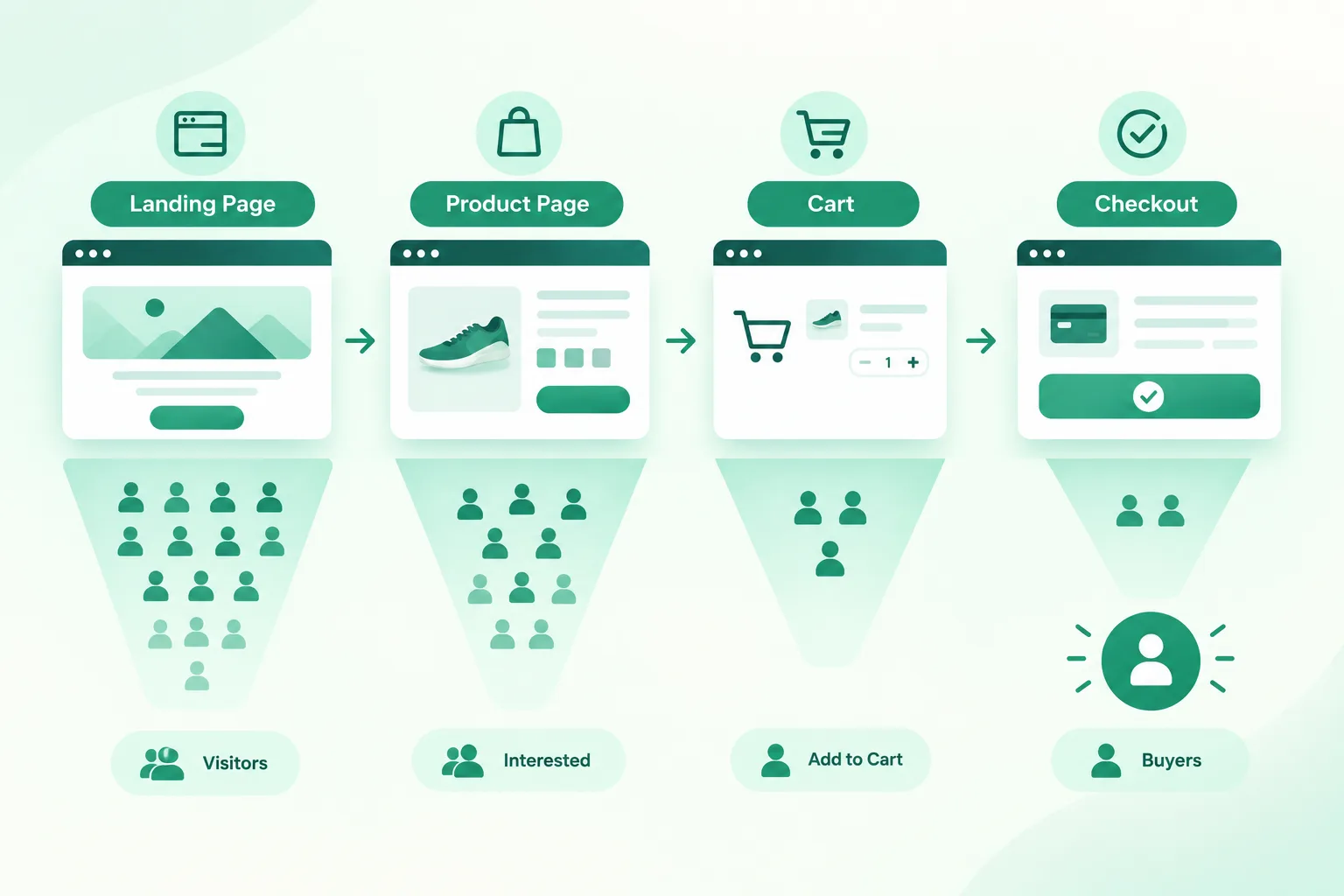
Before changing anything, find the leaks. Guessing is the most common CRO mistake. Store owners redesign a homepage because it feels dated, while the real problem sits in the cart.
Start by mapping your funnel in Shopify analytics and GA4:
- Landing page to product page
- Product page to add to cart
- Cart to checkout started
- Checkout to order completed
The step with the biggest drop is where you start. If few visitors add to cart, work on the product page. If many add to cart but few begin checkout, look at shipping costs and cart design. If they reach checkout and leave, the problem is trust, friction or payment options.
Accurate data comes first. If your tracking is broken, your conclusions will be wrong. Our analytics and reporting work focuses on clean tracking across every channel, so you know what is really driving revenue. A structured Shopify website audit is also a good way to check what to fix and what to track before you start testing.
Step 2: Fix Your Product Pages First
The product page is where the buying decision happens, so it deserves the most attention. Here is what to check.
Lead with a clear, benefit-focused headline. Shoppers should understand what the product is and why it is worth buying within a few seconds.
Use strong, honest imagery. Show the product from several angles, in use, and at scale. For fashion and beauty stores, this includes fit, texture and real-life photos. If your store sells in these categories, our Fashion & Apparel and Beauty & Skincare pages explain how we approach them.
Write descriptions that answer questions. Cover size, materials, ingredients, delivery and returns. Every unanswered question is a reason to leave.
Put social proof close to the buy button. Reviews, ratings and customer photos reduce doubt at the moment it matters most.
Make the call to action obvious. Your add-to-cart button should stand out, stay visible on mobile, and use clear wording.
Show delivery and returns information upfront. Hidden costs and unclear policies are among the most common reasons shoppers abandon a purchase.
Product page quality also affects search visibility, so it helps to treat CRO and SEO together. Our guide on Shopify product and collection page SEO fixes shows how better page structure can support both rankings and conversions.
Step 3: Speed Up Your Store
A slow store loses shoppers before they see a single product. Mobile visitors, who often browse on weaker connections, are the least patient.
Common speed problems on Shopify include oversized images, too many apps loading scripts, heavy themes and unoptimised fonts. Fixing them improves the experience for everyone and supports your search performance as well.
Start with these basics:
- Compress and correctly size images
- Remove apps you no longer use
- Limit heavy sliders, pop-ups and animations
- Test your key pages on a real mobile device
If your store feels sluggish, our Shopify speed optimization service targets exactly these issues. Faster pages mean fewer people leaving before they have had a chance to buy.
Step 4: Make Mobile Shopping Effortless
For many Shopify stores, most visitors arrive on a phone. A desktop-first design that merely shrinks down will frustrate them.
Review your store on mobile with a critical eye:
- Are buttons large enough to tap easily?
- Is the menu simple to use with one hand?
- Does the add-to-cart button stay visible while scrolling?
- Do forms use the right keyboard type for emails and phone numbers?
- Can shoppers use fast options like Shop Pay and other wallets?
Small frustrations add up quickly on a small screen. Smoothing them out is one of the quickest ways to recover lost sales.
Step 5: Reduce Cart and Checkout Friction
Cart and checkout are where interested shoppers become customers or walk away. Even a motivated buyer will leave if the process feels long, confusing or risky.
Show total costs early. Surprise shipping fees and taxes are a leading cause of abandoned carts. Be transparent before checkout begins.
Offer the payment methods your customers expect. This includes cards, digital wallets and local options for the markets you sell in.
Remove unnecessary fields. Ask only for what you need to complete the order.
Add trust signals. Secure payment badges, clear return policies and visible contact details help nervous buyers feel safe.
Use a simple cart. Show product images, quantities and a clear checkout button. Avoid distractions that pull shoppers away from finishing.
For larger brands, Shopify Plus marketing also opens up Checkout Extensibility, which gives you more control over how the checkout experience works.
Step 6: Recover Abandoned Carts With Email and SMS
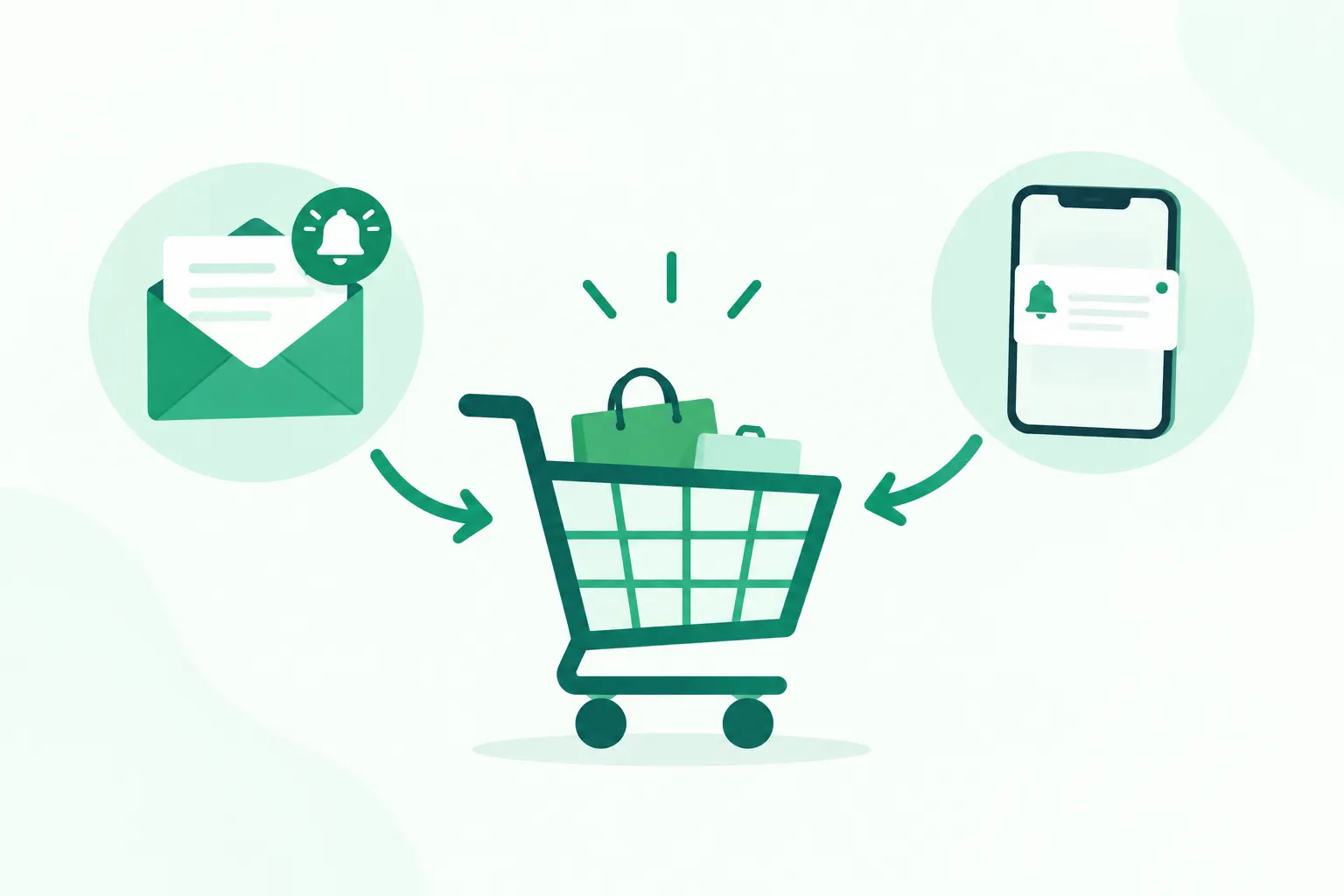
Even a well-optimised store will see shoppers leave. The good news is that many of them can be brought back.
Abandoned cart flows remind shoppers about what they left behind. A strong flow usually includes:
- A friendly reminder with the product image and a direct link back to the cart
- A follow-up that answers common concerns, such as delivery or returns
- A final nudge, sometimes with a small incentive if it fits your margins
Beyond abandoned carts, browse abandonment, welcome and post-purchase flows all help turn visitors into repeat customers. Our Shopify email and SMS marketing service builds these lifecycle flows around real customer behaviour, not just purchase history.
Step 7: Match Your Ads and Content to Your Landing Pages
A lot of lost sales come from a mismatch between the promise and the page. A shopper clicks an ad for a specific product, then lands on a generic collection page. The momentum disappears.
Keep the message consistent from the first click:
- Send ad traffic to the most relevant product or collection page
- Repeat the offer or angle from the ad on the landing page
- Keep the path to purchase short
This applies to Google Ads and Meta and TikTok ads alike. Strong creative will not rescue a landing page that does not deliver on what the ad promised.
The same goes for organic content. Helpful guides and buying advice, built through Shopify content marketing, should lead naturally to relevant products with clear next steps, not dead ends.
Step 8: Test, Measure and Repeat
CRO is not a one-time redesign. It is an ongoing cycle of testing and learning. A good approach looks like this:
- Form a hypothesis. For example: “Moving reviews above the fold will increase add-to-cart rate.”
- Test one change at a time so you know what caused the result.
- Run the test long enough to collect meaningful data.
- Keep what works, drop what does not, and move to the next idea.
At RankMyShopify, we run CRO as structured testing sprints across product pages, cart and checkout, so improvements build on each other instead of happening at random.
Common CRO Mistakes to Avoid
Even well-meaning store owners fall into these traps:
- Changing too many things at once, which makes it impossible to know what worked
- Copying competitors blindly without checking whether it suits your audience
- Ignoring mobile while designing on a large desktop screen
- Chasing traffic instead of fixing conversion, which increases costs without improving results
- Stopping after one round of changes instead of treating CRO as a habit
A Simple CRO Checklist to Start Today
If you want somewhere to begin this week, work through this list:
- Check your funnel for the biggest drop-off
- Test your store speed on mobile
- Review your top five product pages for clear images, reviews and delivery information
- Look at your cart and checkout for hidden costs and unnecessary fields
- Confirm your abandoned cart emails are live and working
- Make sure your analytics tracks purchases correctly
Even a few of these fixes can start recovering sales you are currently losing.
Ready to Stop Losing Sales?
Every day your store runs with hidden conversion leaks, you are paying for visitors who never buy. The fastest way to start is to find out where those leaks are.
At RankMyShopify, we work only on Shopify and Shopify Plus, so every audit and test is built around how the platform actually works. Book a free Shopify audit and we will show you what is costing you sales and what to fix first. You can also explore more guides on our blog.
Ready to scale your Shopify store?
Book a free 30-minute growth call with our Shopify specialists. We’ll audit your store and share an actionable roadmap — no obligations.

