If your Shopify store saw fewer visitors in October, it is natural to look for one clear reason. The festive season makes every dip feel urgent, and every ranking tool seems to show something different. One possible cause worth checking is the Google spam update that ran from September 24 to October 8, 2026, but it is far from the only one. This guide gives you the confirmed facts, what the early data shows, and a simple way to find out whether your store was affected.
What happened in Google’s September 2026 spam update?

The update went live on September 24, 2026 at 9:15 a.m. Pacific time and was complete on October 8, 2026. According to the Google Search Status Dashboard, it applies globally and to all languages, and the rollout may take up to two weeks. It used nearly all of that time, running about 13 days and 16 hours, as Search Engine Journal reported.
This was the fourth spam update of 2026, and it ran much longer than the earlier three:
- March 24: about 19.5 hours
- June 24 to 26: about 2 days
- August 18 to 21: about 2.5 days
- September 24 to October 8: nearly 14 days
Google announced no new spam policies with this rollout. As of this writing, neither its documentation nor its dashboard notes explain what the update addressed or why it took longer than the earlier ones.
How is a spam update different from a core update?
A spam update improves the automated systems Google uses to detect pages and tactics that break its spam policies, while a core update changes how Google judges quality across the web. Google explains this in its spam updates documentation. The difference matters because the response is different. After a core update, you improve overall content quality. After a spam update, you check whether anything on your store breaks the rules.
Spam updates are also algorithmic, so Google does not send a notice if your store is affected. A manual action is a separate process, and those do appear inside Google Search Console.
What does the early data say about the impact?
Early data points to a measurable dip across the web, but nobody has published results for Shopify stores alone. Diib analysed 32,569 websites with connected Google Analytics. It compared each site’s share of visits from unpaid Google search on September 24 to 26 with the same days a week earlier.
- The median share of visits from organic Google search fell from 34% to 31%.
- 10% of sites lost half or more of that share, compared with 5% in the earlier period.
- Diib used share instead of total visits because overall traffic fell that week.
Diib itself calls this an early read, not a verdict, and the data does not show which sites Google treated as spam. Treat it as a signal that the update was felt, not as proof about any single store.
We did not find any study that gives Shopify-specific percentages. If you see a post quoting exact Shopify impact numbers, ask where the data comes from.
Did the spam update cause your Shopify traffic drop?
Not necessarily, and timing is the first clue. If your clicks fell between September 24 and October 8, the update is a possible cause. If the drop began after October 8, the update is a less likely explanation, and we have not seen Google confirm a newer spam update since.
Be careful with rank trackers too. SEOmonitor reported that many trackers showed sudden ranking changes from September 26 that real searchers did not see, because Google returned incomplete results to automated searches. Changes from a spam update usually hold for several days and show up in Search Console impressions and clicks.
Before blaming the update, rule out these common causes:
- Festive season shifts in demand, which move traffic between product categories
- Tracking problems, such as a changed consent banner or a broken GA4 tag
- Theme or app changes that added noindex tags, slowed pages or broke links
- Out-of-stock or removed products that were earning organic clicks
- Changes in paid or social traffic that make the organic share look different
Which Shopify store practices can trigger spam problems?
Google has not said what this update targeted, so the list below comes from our reading of Google’s spam policies, not from the update itself. These are the areas worth checking on a Shopify store:
- Mass-produced content: hundreds of blog posts or collection descriptions created at scale with little original value
- Copied supplier text: the same product description used by many other stores
- Near-identical landing pages: city or keyword pages where only the place name changes
- Keyword stuffing: repeating phrases in titles, descriptions or hidden text
- Spam in user content: junk links in blog comments or product reviews
- Cloaking or sneaky redirects: showing Google something different from what shoppers see, which can come from a faulty script or app
- Manipulative links: paid or exchanged links meant to boost rankings. One report says this update did not target link spam, but the policy still applies
If thin or duplicate pages are on your list, our guide to Shopify product and collection page SEO fixes shows before and after examples you can copy.
How do you check your Shopify store step by step?
Start in Google Search Console, because it shows what real searchers did. Rank trackers alone can mislead.
- Open Performance, then Search results, and set the dates to September 24 to October 8.
- Turn on the compare option and choose the previous period of the same length. Look at clicks and impressions.
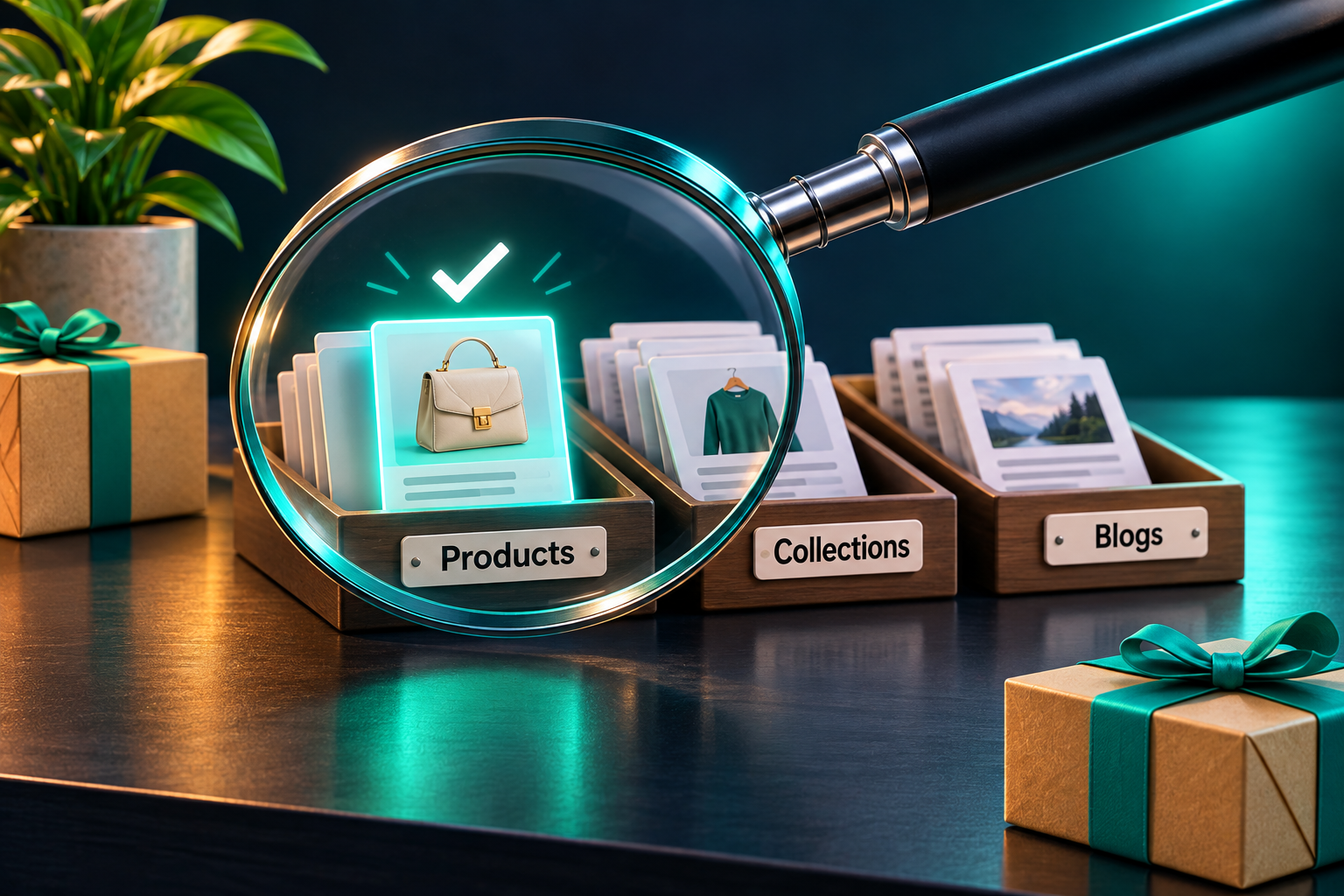
- Open the Pages report and filter by URL. On Shopify, the paths /products/, /collections/, /blogs/ and /pages/ show you which type of page lost visibility.
- Open Security and Manual Actions and confirm there are no warnings.
- Compare Search Console clicks with organic sessions in GA4 to rule out tracking errors. Good analytics and reporting setup makes this step much faster.
- List what changed on your store in September and October, including new apps, theme edits and bulk content uploads.
- Check the pages that lost traffic against Google’s spam policies.
For a wider check beyond spam, use our practical Shopify website audit to review SEO, speed and conversion issues in one pass.
What should you fix, and what should you leave alone?
Fix confirmed problems after a spam update, and avoid sweeping changes made in a panic. Google’s guidance says that if your site is affected, revisions may help over a period of months once its automated systems recognise compliance.
Worth fixing:
- Rewrite or remove thin and duplicate pages, starting with the ones that lost the most traffic
- Replace supplier text with original product details such as sizing, materials, use cases and care
- Merge near-identical pages into one stronger page, or give each a genuinely different purpose
- Clear spam comments and review links
- Remove any app or script that injects hidden text or links
Better left alone:
- Do not delete large groups of pages at once
- Do not rewrite the whole store because of one tracker chart
- Do not buy links or start disavow work without a clear reason
Original, useful content is the safest long-term protection, and a steady Shopify content marketing plan keeps new pages helpful instead of repetitive.
What do four spam updates in one year mean for your store?
They mean spam compliance is now a routine part of SEO, not a one-time clean-up. Coalition Technologies describes 2026 as the most active year for Google spam updates since 2021.
The gaps between updates have also been shrinking: about three months between March and June, about eight weeks between June and August, and about five weeks between August and September. Nobody can predict the next one, so a regular check is safer than reacting each time.
A simple routine keeps your store ready for the next spam update:
- Review Search Console clicks and impressions every month, and note the date of each confirmed update
- Run a content quality check each quarter on new pages and bulk uploads
- Review installed apps twice a year for scripts that add links or hidden content
Steady technical and content care is the core of good Shopify SEO, and it is what protects a store when the next update arrives.
Not sure whether your store was affected?
Our team can review your Search Console data and your store’s pages against Google’s spam policies, then share a short list of fixes in priority order.
Get your free SEO audit: rankmyshopify.com/contact/#free-ai-seo-audit
- Phone: +91 98889 23755
- Email: info@rankmyshopify.com
- Address: RankMyShopify, 3rd Floor, C-210, Phase 8B, Industrial Area, Sector 74, Sahibzada Ajit Singh Nagar, Punjab 140307
About RankMyShopify
RankMyShopify is a Shopify-exclusive SEO and digital marketing agency founded in 2009, with offices in Punjab, India and the USA. We work with ecommerce brands across India, the USA, the UK, Australia and Canada on Shopify SEO, Google Ads, Meta Ads, conversion rate optimisation, content marketing and AI search optimisation.
Ready to scale your Shopify store?
Book a free 30-minute growth call with our Shopify specialists. We’ll audit your store and share an actionable roadmap — no obligations.