An audit is only useful if it ends with a ranked to-do list, not a long report that nobody acts on. The goal is to find what stops shoppers and Google from reaching, trusting and buying from your store, then fix the biggest issues first. That is the purpose of a practical Shopify website audit: a repeatable review of your SEO, speed, content, conversion and tracking.
This guide is written for store owners in India, the USA, the UK, Australia and Canada. It follows three steps: what to check, how to fix it, and what to track afterwards so you can prove the work paid off.
What Is a Shopify Website Audit?
It is a structured review of your store that finds problems and missed opportunities across the areas that affect traffic and sales, and it ends with a prioritised list of fixes, each with a reason and an owner.
| Area | What you check | Free tools |
|---|---|---|
| SEO and indexing | Crawl errors, duplicate URLs, titles, canonicals | Google Search Console, Screaming Frog |
| Page quality | Collection and product copy, images, schema | Rich Results Test |
| Speed | Core Web Vitals, apps, scripts, images | PageSpeed Insights |
| Content and links | Blog posts, internal links, thin pages | Search Console, GA4 |
| Conversion | Mobile layout, shipping, checkout, trust | Your own testing, GA4 |
| Tracking | Key events, purchases, duplicate events | GA4, Tag Assistant |
What Should You Do Before You Start?
Record a baseline first, or you will not know whether your fixes worked. Take 30 minutes to do this:
- Export Search Console data (clicks, impressions, average position) for the last 3 months.
- Note your GA4 numbers: organic sessions, orders and key events.
- Pick 3 to 5 goals, such as more organic orders or fewer abandoned carts.
- Start a change log with the date, page, what changed and why.
- Save a crawl from Screaming Frog (the free version covers up to 500 URLs).
How Do You Audit Your Shopify SEO and Indexing?
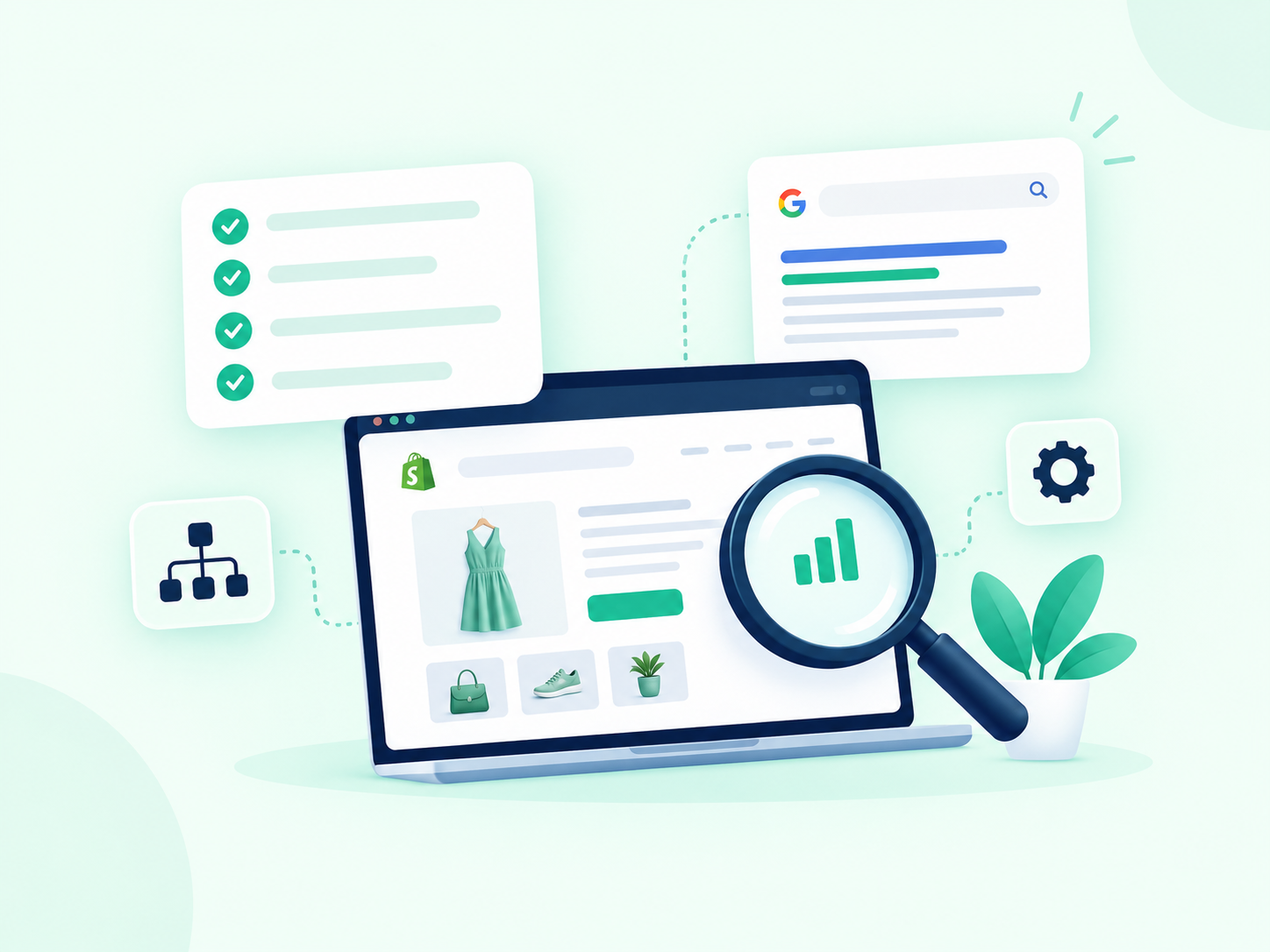
Start by confirming Google can find and index your important pages. If it cannot, nothing else matters.
- Pages report in Search Console: look at which pages are indexed and why others are not
- Sitemap: Shopify creates one automatically, so check it is submitted and has no errors
- site: search: search site:yourstore.com to see whether key pages appear
- robots.txt: you can edit it through robots.txt.liquid, so check you are not blocking useful pages
- Duplicate URLs: a product can load at /products/blue-shirt and at /collections/summer/products/blue-shirt. Shopify normally points the canonical to the clean version, but theme edits and apps can break this, and internal links should use the clean /products/ URL
- Tag and filter pages: these can create thin, near-duplicate pages if left open to indexing
- Titles and meta descriptions: look for missing, duplicated or truncated ones
For ongoing support, see our Shopify SEO service.
How Do You Audit Collection and Product Pages?
Collection pages usually bring the broadest searches, so review them first. A bare grid of products gives Google little to work with.
Collection page checks
- A short intro (around 100 to 200 words) written for shoppers
- One main keyword and a clear title tag
- Links to related collections and key products
- Compressed images with useful alt text
Product page checks
- Your own description, not supplier text, with fabric, size, fit and care details
- Variants (size and colour) pointing to one main product URL
- Clear shipping and returns information near the buy button
- Review stars and valid Product schema, tested in Google’s Rich Results Test
Our guide to Shopify collection page SEO for large catalogs and our Shopify product page SEO page cover these in more depth.
For example, imagine a home decor store in the UK with 600 products. A Shopify website audit often finds that half its collections have no intro copy, several tag pages are indexed, and product descriptions are copied from suppliers. Those are fixable, and they are usually worth fixing before writing new blog posts.
How Do You Audit Site Speed and Core Web Vitals?
Test your key pages in PageSpeed Insights and check the Core Web Vitals report in Search Console. Google’s published “good” targets are Largest Contentful Paint under 2.5 seconds, Interaction to Next Paint under 200 milliseconds, and Cumulative Layout Shift under 0.1.
The most common causes on Shopify are within your control:
- Too many apps: each can add scripts, and some leave code behind after you uninstall them
- Large images: uncompressed banners and product photos
- Heavy themes and sliders: animations that load before the page is usable
- Third-party scripts: chat widgets, pixels and pop-ups stacking up
Fix the biggest items first: remove unused apps, compress images, and do not lazy-load the main image at the top of a page. If you want hands-on help, see our Shopify speed optimization service.
How Do You Audit Content and Internal Links?
Review every blog post and decide whether to update it, merge it with another, or remove it. A post is worth keeping if it brings traffic, supports a collection, or answers a real customer question.
- Update posts that rank on pages two or three, or that are out of date
- Merge posts that cover the same topic and compete with each other
- Remove or redirect thin posts that have no traffic, links or purpose
- Link each post to the most relevant collection, product or service page, using descriptive anchor text
Our Shopify content marketing plan shows how to build content that feeds shoppers toward your collections, and our Shopify content marketing page explains how we support it.
How Do You Audit Conversion and User Experience?
Walk through your store on a phone as if you were a first-time buyer, and note every point of friction. Many stores get traffic but lose it at one unclear step.
Check these on mobile:
- Is the navigation simple, and does every menu link go to the right page?
- Are shipping costs, delivery times and returns visible before checkout?
- Do your messages agree? For example, a banner and a product page should not state different free shipping thresholds.
- Is checkout short, with the payment options your customers expect?
- Are reviews, contact details and secure payment signs easy to see?
Our Shopify CRO service covers testing and fixing these issues.
How Do You Audit Tracking and Analytics?
Check that every important action is recorded once and only once. Bad tracking leads to bad decisions, especially when you scale ad spend.
- GA4: confirm purchase, add to cart, begin checkout and lead events fire correctly, and mark the important ones as key events
- Duplicate events: make sure one order is not counted twice
- Ad platforms: compare conversions in Google Ads, Meta and GA4, and expect small differences, not large gaps
- Product feed: check Google Merchant Center for disapproved products, price mismatches and missing data
- Tagging tools: test with GA4 DebugView or Google Tag Assistant
- UTM tags: make sure campaign links are consistent so sources are not split
How Do You Audit Your Store for AI Search?
AI tools such as Google AI Overviews, ChatGPT and Perplexity tend to use pages with clear answers, accurate details and trustworthy signals. Our Shopify AI search optimisation guide covers this in depth. Check four things:
- Your key pages open with a direct answer and use clear headings
- You have FAQ content and valid structured data
- Your business name, address and contact details are consistent everywhere
- Security settings or firewalls are not blocking legitimate crawlers
How Do You Prioritise and Fix What You Find?
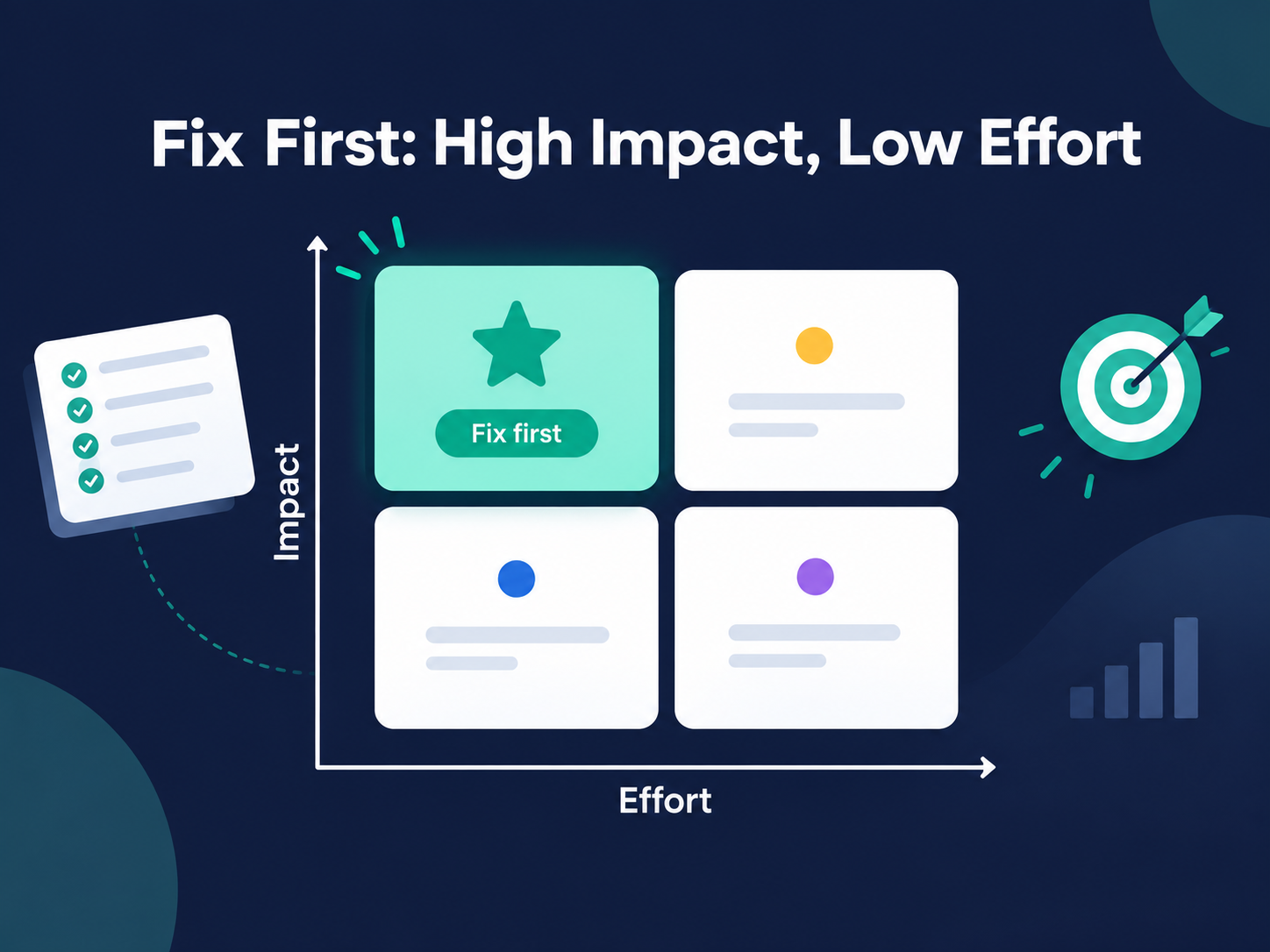
Rank every issue by impact and effort, then fix the high-impact, low-effort items first. Use four levels:
| Level | Meaning | Example |
|---|---|---|
| Critical | Blocks indexing or sales | Key pages blocked or checkout errors |
| High | Hurts traffic or conversion | Duplicate URLs, slow product pages |
| Medium | Missed opportunity | No intro copy on collections |
| Low | Polish | Typos and minor alt text gaps |
A simple plan is to fix critical items in the first week, high items in the first month, and schedule the rest. Log every change as you make it.
What Should You Track After the Audit?
Track the same numbers you recorded in your baseline, and compare them 14 and 28 days after each change.
- Weekly: impressions, clicks and average position in Search Console, and indexed pages
- Monthly: organic sessions, orders and key events in GA4, and Core Web Vitals
- Per change: the page, date, what changed and the before and after result
SEO improvements usually take around three to six months to show clear movement. This is a typical range, not a promise, because results depend on your competition and how consistently you act on the findings.
Should You Do a Shopify Website Audit Yourself or Hire an Agency?
You can do the basics yourself with free tools, and an agency adds speed, experience and a second pair of eyes on the technical parts. A good rule: do it yourself if your store is small and simple, and bring in a specialist when you have hundreds of products, several markets, or tracking you cannot trust.
RankMyShopify has worked only with Shopify since 2009, with offices in Punjab, India and the USA, and our audits cover SEO, speed, content, conversion and tracking in one prioritised report. If you plan to sell in several countries, our Shopify international expansion service covers markets, currencies and hreflang.
If you are still comparing platforms, our guide to Shopify vs WooCommerce vs BigCommerce for SEO explains how each handles SEO.
Ready to scale your Shopify store?
Book a free 30-minute growth call with our Shopify specialists. We’ll audit your store and share an actionable roadmap — no obligations.

