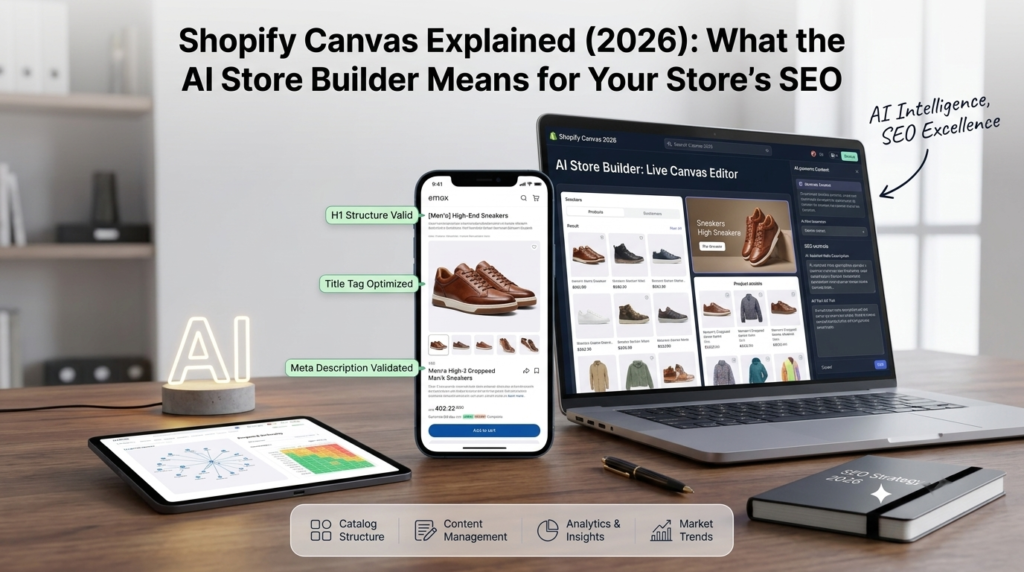
On October 1, 2026, Shopify introduced Canvas, a new way to design a store by chatting with its AI assistant. Store owners are already asking a fair question: if a store can be built in minutes, what does that do to search rankings?
This post explains what Canvas is in plain words, what it can and cannot do for now, and the Shopify SEO checks worth making before you publish a design built with it. Details come from Shopify’s own announcement, and we mark clearly where we are giving our own view.
What Is Shopify Canvas?
Canvas is a design workspace inside the Shopify admin. Instead of editing one page at a time, you see every page of your store laid out together. You can pan across them to judge how the store feels as a whole, then zoom in on the details. You work with Sidekick, Shopify’s AI agent, by describing what you want, and the changes appear as it makes them.
Shopify says Canvas shows a render of the real code behind the store, not a flat preview, so you can check how pages look and behave. You can still click elements and edit them by hand. Shopify also simplified its theme structure so Sidekick can understand and change a store more easily.
In simple terms: you describe the design, the AI builds it, and you adjust what you do not like.
What Canvas Cannot Do Yet
Canvas is rolling out gradually, so you may not see it in your store yet. According to TechCrunch’s launch report, the first version does not support third-party themes, app blocks and extensions, Markets, translations, rollouts or theme updates. Canvas also opens from the Themes page and works on desktop only.
That list matters for SEO, because several of those items affect how a store appears in search, as the next section shows.
What Canvas Handles and What Still Needs SEO Work
This table is our view, not Shopify’s:
| Area | Does Canvas handle it? | What still needs attention |
|---|---|---|
| Store look and layout | Yes, through chat | Make sure design choices do not slow the store |
| Page titles and meta descriptions | Not its purpose | Write them for search, page by page |
| Collections and URLs | Not its purpose | Plan structure around how people search |
| Product descriptions | Not its purpose | Original, detailed copy still wins |
| Page speed | Not guaranteed | Test it after every design change |
Does an AI-Built Store Rank Better?
There is no evidence yet that a store built in Canvas ranks better or worse. Google ranks pages on how useful they are and how well they work, not on how quickly the design was made. So the speed of building is not a ranking factor. What matters is what ends up on the page: clear titles, helpful content, a sensible structure and fast loading.
The real risk is a false sense of finished. A store can look polished in twenty minutes and still have weak titles, thin collections and heavy images.
Six SEO Checks Before You Publish a Canvas Design
1. Titles and meta descriptions. Check that each key page still has a clear title and description that says what you sell. Do not assume the AI wrote them for search.
2. Headings. Each page should have one main heading that matches what the page is about, with sub-headings in a logical order.
3. Collections and URLs. Check that your collection pages and their addresses did not change, and keep the structure you built around how people search. If URLs do change, set up redirects.
4. Images and speed. AI-built designs can add large images and effects. Compress images, name files clearly and test speed on a phone. Our Shopify speed optimization work starts here.
5. Features that come from apps. Because app blocks are not supported at launch, check that reviews, ratings and other app features still show on the pages that use them. Anything that disappears can affect both sales and the extra detail Google shows in results.
6. Markets and translations. If you sell in more than one country or language, check these carefully, since Canvas does not manage them yet.
After publishing, watch conversion too. A prettier store should also sell better, and Shopify CRO work helps you check that it does.
Who Should Use Canvas Now
It looks most useful for new stores and small brands that want a custom look without a big design budget. If you already have a store that ranks and sells, test Canvas on a duplicate theme first and publish only after the checks above. If you are halfway through an agency rebuild, it is usually safer to finish that first and look at Canvas afterwards.
Start Here This Week
If you have Canvas, try it on a duplicate theme, not your live store. Then run the six checks on your top five pages, and compare speed and rankings a few weeks later. If you do not have Canvas yet, use the time to tidy your titles and collections, because you will want them in good shape before any redesign.
Sources
- Shopify, “Introducing Canvas”: https://www.shopify.com/news/introducing-canvas
- TechCrunch, “Shopify debuts Canvas, a way to build online stores by chatting with AI”: https://techcrunch.com/2026/10/01/shopify-debuts-canvas-a-way-to-build-online-stores-by-chatting-with-ai/
About RankMyShopify
RankMyShopify is a Shopify-exclusive SEO and digital marketing agency, founded in 2009, with offices in Punjab, India and the USA. We work with ecommerce brands in India, the USA, the UK, Australia and Canada on Shopify SEO, Google Ads, Meta Ads, CRO, content marketing and AI search optimization. Want a second opinion on a new design? Book a free audit.
Ready to scale your Shopify store?
Book a free 30-minute growth call with our Shopify specialists. We’ll audit your store and share an actionable roadmap — no obligations.

Mandeep is a content marketing expert at RankMyShopify. He helps Shopify brands grow organic traffic with search-focused blog content, product and collection page copy, and content built to get recommended by AI search tools like ChatGPT and Google AI Overviews.