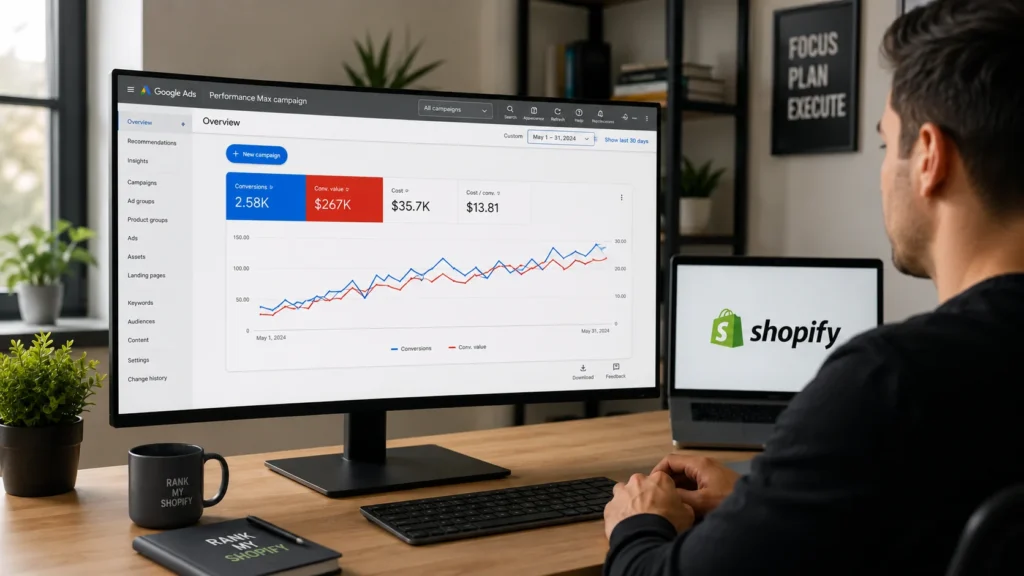
What Is Performance Max and Why Does It Matter for Shopify Stores?
Performance Max is Google’s goal based campaign type that uses machine learning to decide which ad format, placement, audience, and bid to use for every impression, drawing on inventory across Search, Shopping, Display, YouTube, Gmail, and Maps. For a Shopify store, this matters because it replaces the need to build and manage six separate campaigns, while typically unlocking additional conversion volume that standard Shopping campaigns cannot reach on their own.
Shopify Performance Max replaced Smart Shopping campaigns, and any Shopify store that was previously running Smart Shopping has already been upgraded automatically. For merchants who have never run either, PMax is now the default entry point into Google Shopping ads for most Shopify stores.
What Do You Need Before Launching a Shopify Performance Max Campaign?
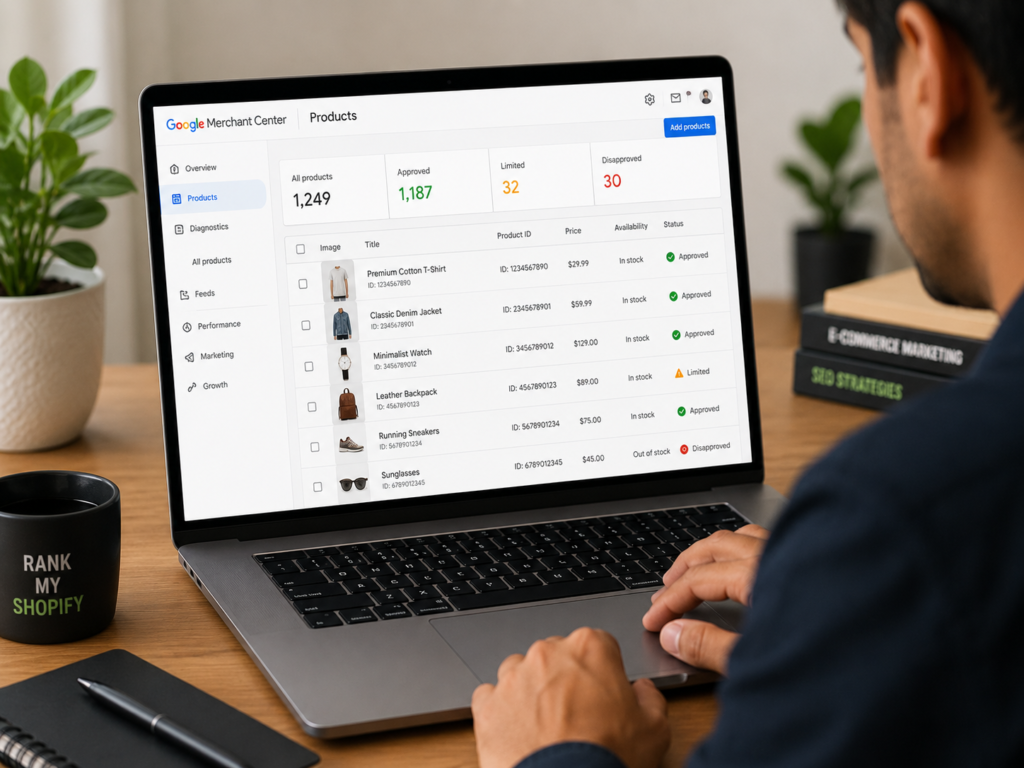
You need a Google Merchant Center account with approved products, the Google and YouTube sales channel installed in Shopify, accurate conversion tracking, and a realistic daily budget before launching. Skipping any of these usually means wasted spend during the learning period rather than a working campaign.
At minimum, confirm the following before you start:
- A Google Merchant Center account linked to Google Ads, with products approved and not disapproved for policy or data issues
- The Google and YouTube channel app installed and connected inside your Shopify admin
- Conversion tracking installed and firing correctly on purchases, with enhanced conversions enabled where possible
- A recent history of conversions, ideally at least 30 in the past 30 days, so the algorithm has enough data to optimize
- A daily budget you can commit to for several weeks without major changes, since PMax needs consistency to learn
How Do You Set Up a Performance Max Campaign on Shopify?
You set up Performance Max on Shopify by connecting Google Merchant Center through the Google and YouTube channel, then creating the campaign either directly from Shopify admin or inside Google Ads. Shopify’s native integration can provision the campaign, asset group, and conversion tracking in a single flow for stores with a clean, already synced feed.
- Connect your store to Google. In Shopify admin, go to Sales Channels, add the Google and YouTube channel, and link your Google Merchant Center and Google Ads accounts.
- Sync and review your product feed. Confirm your products have passed Merchant Center diagnostics with no disapprovals or missing attributes.
- Create the campaign. From the Google and YouTube channel, open the Performance Max module and connect your Google Ads account, or create the campaign directly in Google Ads with the Sales objective.
- Set your conversion goal. Choose Purchase as the primary conversion action and confirm the attribution window and enhanced conversions are configured correctly.
- Build your first asset group. Add headlines, descriptions, images, and video where available, then add audience signals such as existing customer lists or in-market segments to guide the algorithm.
- Set budget and bidding. Start on Maximize Conversions if you do not yet have enough conversion history, then move to Target ROAS once you have consistent data.
- Launch and hold steady. Avoid major structural changes for the first several weeks so the algorithm can learn without disruption.
How Should You Structure Asset Groups for Shopify PMax?

Asset groups should be structured around a clear theme, such as product category or margin tier, rather than lumping your entire catalog into one generic group. A campaign with one broad asset group and mixed messaging tends to under-serve strong products and over-serve weak ones, because the algorithm has no clear signal about which products matter most.
For most Shopify stores, the most reliable structure segments products by:
- Margin tier, using custom labels in your feed to separate high, medium, and low margin products so the algorithm is not free to trade a valuable sale for two low value ones
- Product category or collection, so creative and search themes stay relevant to a specific customer intent
- Performance tier, separating proven bestsellers from new or seasonal products so bestsellers are not starved of budget
Avoid creating too many narrow asset groups, since spreading limited conversion data across many small groups can prevent the algorithm from learning effectively and often produces a lower return on ad spend than a smaller number of well built groups.
How Do You Optimize Your Product Feed for Performance Max?
Your product feed is the foundation of Performance Max performance, since Shopping placements typically drive the large majority of PMax conversions for Shopify stores. A feed with complete, accurate attributes earns more impressions and lower cost per click than a thin feed, even with an identical budget.
Focus on these feed elements first:
- Titles that lead with the most searchable attributes, such as product type, key descriptor, material, and size or color
- Complete attributes, including brand, GTIN, google_product_category, color, size, and material wherever they apply
- High quality images, at least 800 by 800 pixels, with the product filling most of the frame on a clean background
- Accurate pricing and availability, updated automatically through the Shopify Google channel integration
- Custom labels, added through a supplemental feed if needed, to support segmentation by margin, seasonality, or performance tier
Shopify’s default feed passes Merchant Center validation, but validation alone does not mean the feed is optimized for competitive Shopping performance, so this is worth revisiting monthly rather than treating it as a one time setup task.
What Budget and Bidding Strategy Works Best for Shopify PMax?
Most Shopify stores should start Performance Max with a daily budget in the region of fifty to one hundred dollars and a Maximize Conversions bidding strategy, then shift to Target ROAS once there is enough conversion history to support it. Moving to value based bidding before that data exists often causes erratic spending, since the algorithm has no reliable pattern to bid against.
| Stage | Recommended Approach | Why |
|---|---|---|
| Under 30 conversions in 30 days | Maximize Conversions | Builds conversion history before value based bidding is reliable |
| 30 to 50+ conversions in 30 days | Target ROAS or Maximize Conversion Value | Enough data for the algorithm to bid accurately against a real target |
| First 2 to 6 weeks after launch | Hold steady, avoid major edits | Algorithm needs a stable learning period to stabilize performance |
| Ongoing | Review feed, assets, and audience signals monthly | Performance compounds as data quality and creative improve over time |
Should You Run Performance Max and Standard Shopping Together?
Yes, many Shopify stores get the best results from a hybrid approach that runs Performance Max for broad reach alongside a Standard Shopping campaign for bestsellers or high margin products that need tighter control. Performance Max generally takes priority when both target the same product, so this pairing works best when Standard Shopping is scoped to a defined set of products rather than left to compete broadly with PMax.
| Factor | Performance Max | Standard Shopping |
|---|---|---|
| Reach | Search, Shopping, Display, YouTube, Gmail, Maps | Shopping and Search only |
| Control over bidding | Automated by Google’s AI | Manual, product level bid control |
| Search term visibility | Limited, aggregated reporting | Full search term reports |
| Negative keywords | Account level only | Full negative keyword control |
| Best suited for | Broad catalog reach and scale | High margin or niche products needing precision |
Common Shopify Performance Max Mistakes to Avoid
The most common Performance Max mistakes are launching value based bidding too early, ignoring audience signals, building one generic asset group for the entire catalog, and failing to check for disapproved or out of stock products in Merchant Center. Each of these quietly caps performance without producing an obvious error message.
How Do You Measure Performance Max Results?
Measure Performance Max results using conversion volume, return on ad spend, and the channel and asset insights Google now provides, rather than judging performance from spend alone. Google has gradually added more visibility into PMax, including search term and channel distribution data, which helps identify whether budget is concentrating in high intent Search and Shopping placements or drifting into lower converting Display and YouTube inventory.
Review these signals regularly:
- Channel distribution in the Insights tab, to see how spend splits across Search, Shopping, Display, and YouTube
- Asset ratings, checking whether creative is rated Good or Best rather than Low
- Search term reports, to catch irrelevant queries that need account level negative keywords
- True return on ad spend, cross checked against Shopify order data rather than relying only on Google’s reported conversion value, since native tracking can exclude shipping and tax
Ready to scale your Shopify store?
Book a free 30-minute growth call with our Shopify specialists. We’ll audit your store and share an actionable roadmap — no obligations.

